
Ask AI about a case
Ask AI answers questions using the files in a case. You can ask about all of the case’s files or only the files you select.
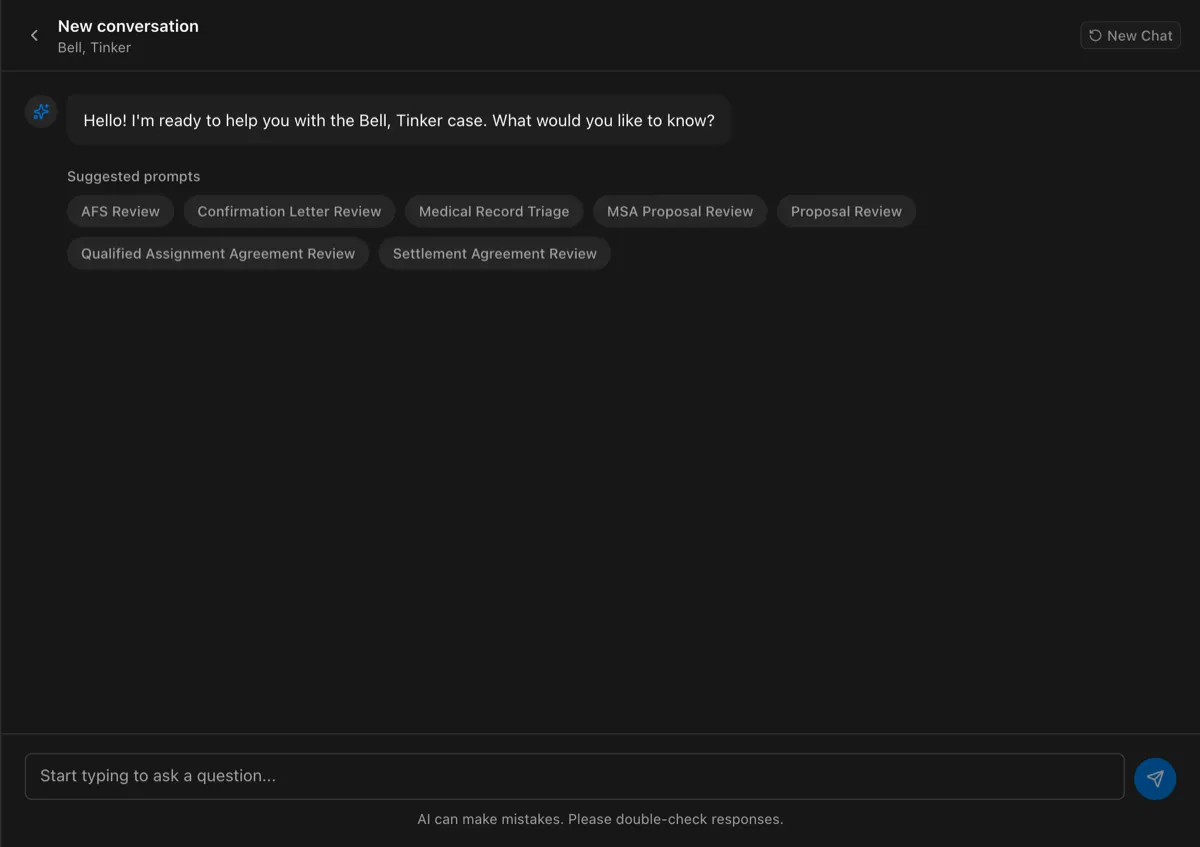
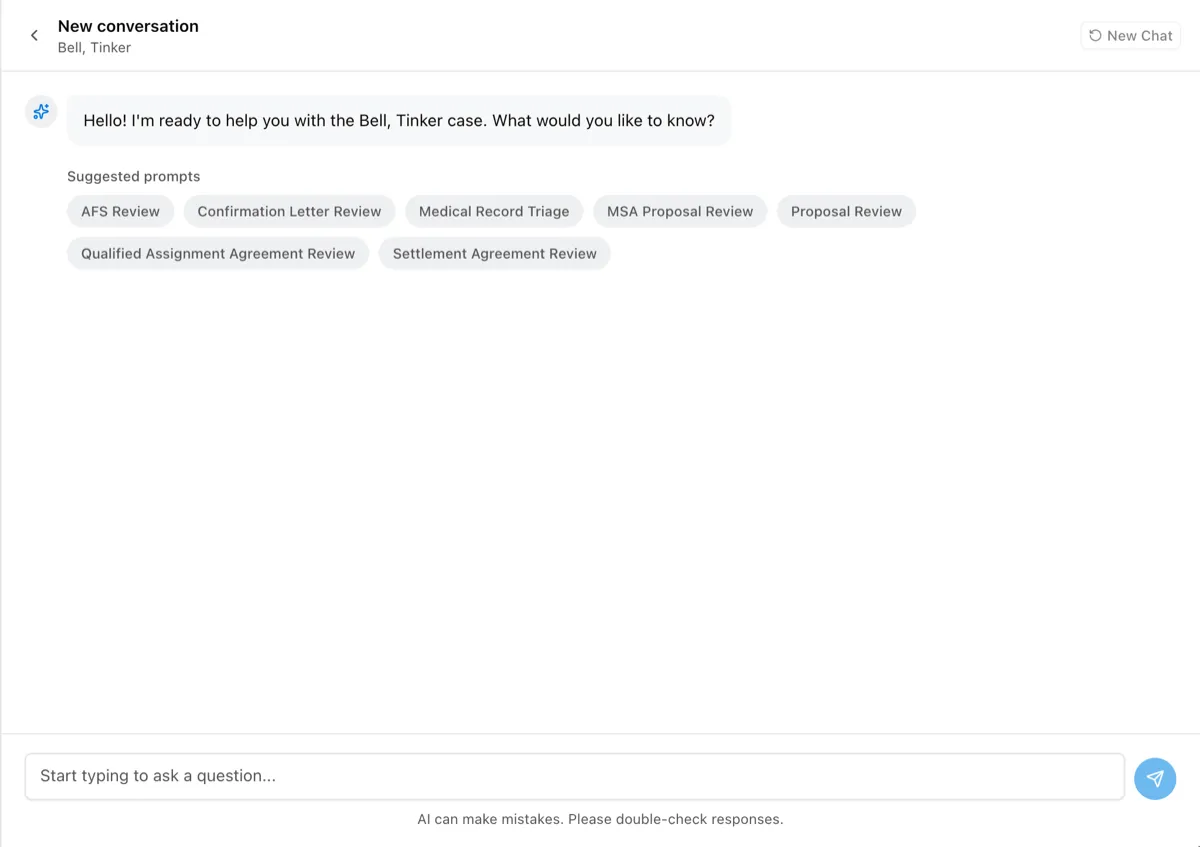
Ask a question
Section titled “Ask a question”- Open the case and go to the Files tab.
- Optional: To limit the answer to certain files, select the checkbox next to each file.
- Select Ask AI.
- Enter your question, or select one of the Suggested prompts, such as Settlement Agreement Review.
- Select the send icon.
To start over, select New Chat.
Your organization’s admins choose the suggested prompts. See Coined prompts. For questions that are not about a specific case, use Playground.
Find a past conversation
Section titled “Find a past conversation”Every conversation is saved to the case. To reopen one, go to the AI Chat History tab and select the conversation.