
Policy letters
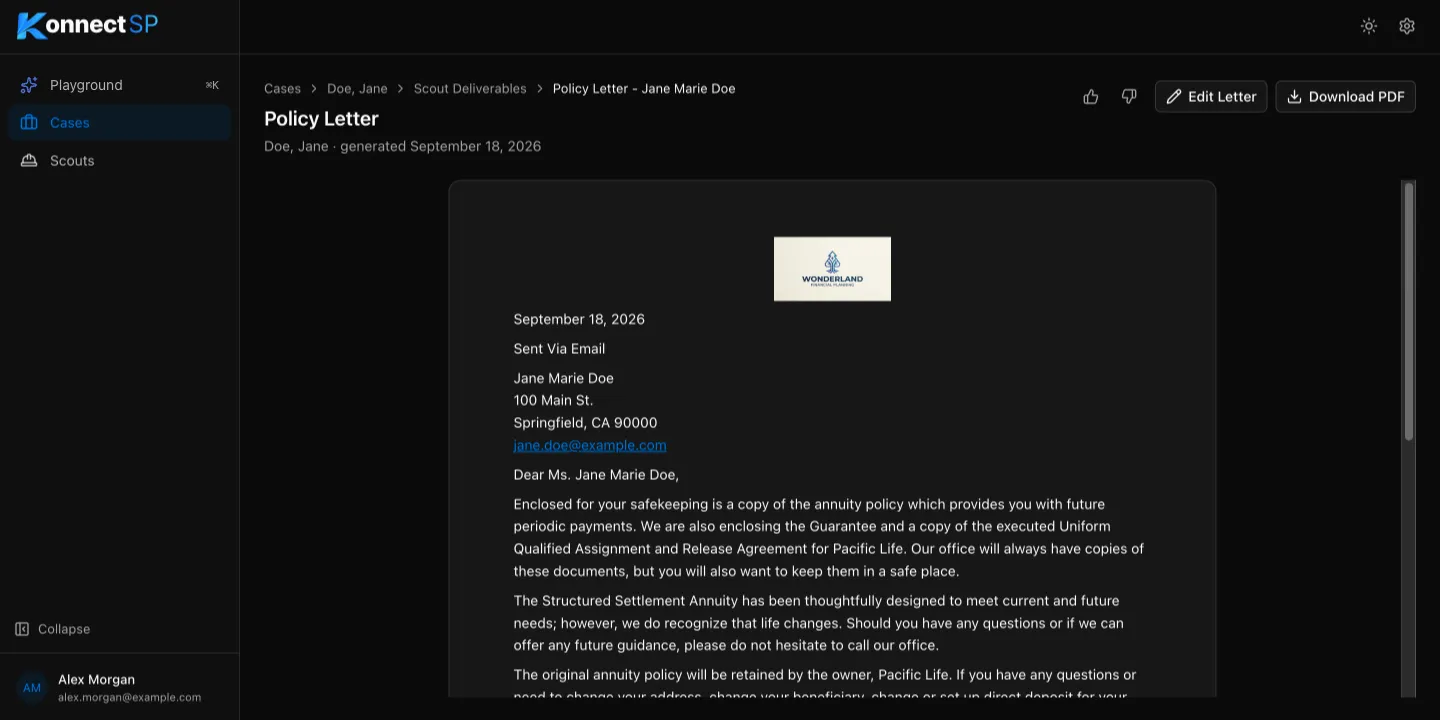
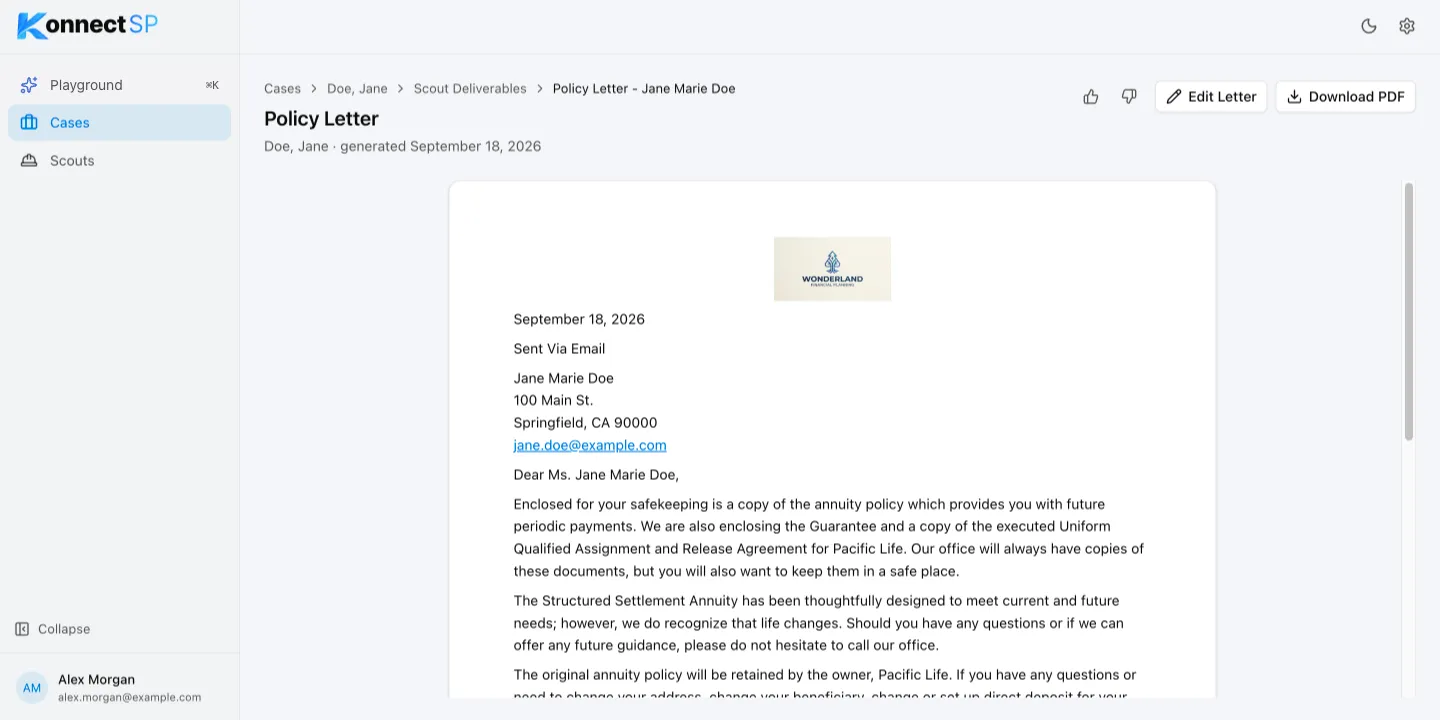
The Policy Letter Generator writes a signed cover letter to the claimant to send with their annuity policy. It uses your organization’s policy letter template, your organization details, and the signature you choose.
Choose who signs
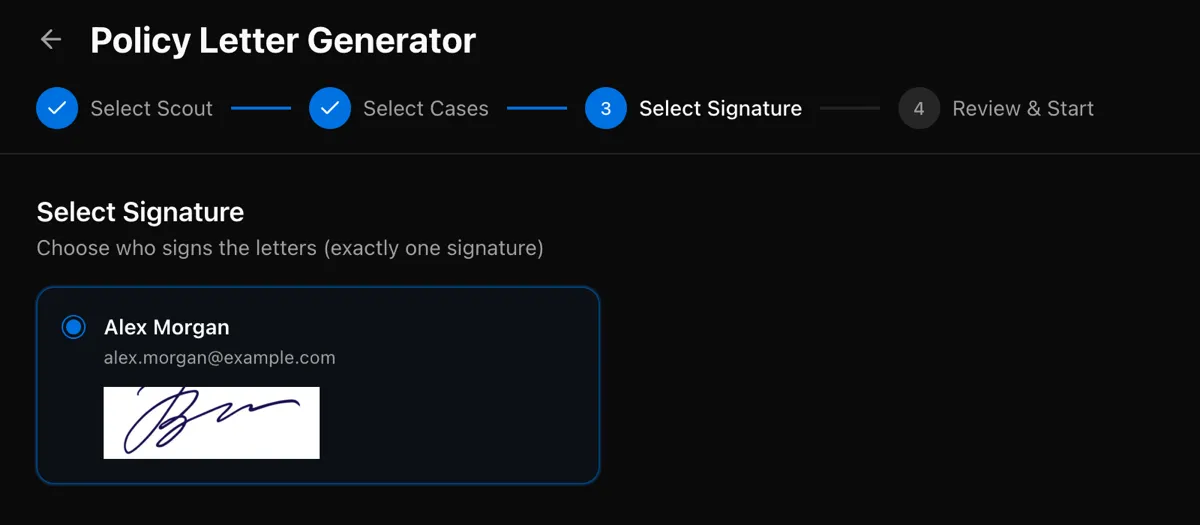
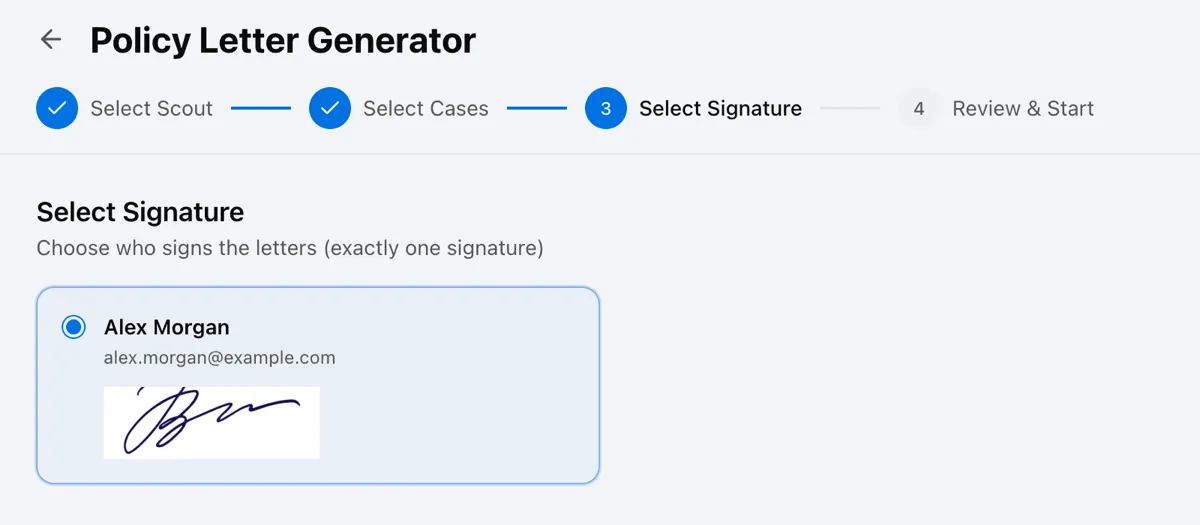
Section titled “Choose who signs”When you run the scout from the Scouts page, the Select Signature step lists the members who have a signature. Select one person to sign the letters.
Edit the letter
Section titled “Edit the letter”- Open the policy letter from the Scout Deliverables tab.
- Select Edit Letter.
- Make your changes, then select Save.
Download the letter
Section titled “Download the letter”Select Download PDF to save the letter.