
Sign in and find your way around
Sign in
Section titled “Sign in”- Go to app.konnectsp.com.
- Select Sign in with Microsoft and sign in with your work account.
If you see You don’t have access yet, ask your organization’s admin to invite you. If you see Inactive Subscription, an admin in your organization must renew the subscription.
The main screen
Section titled “The main screen”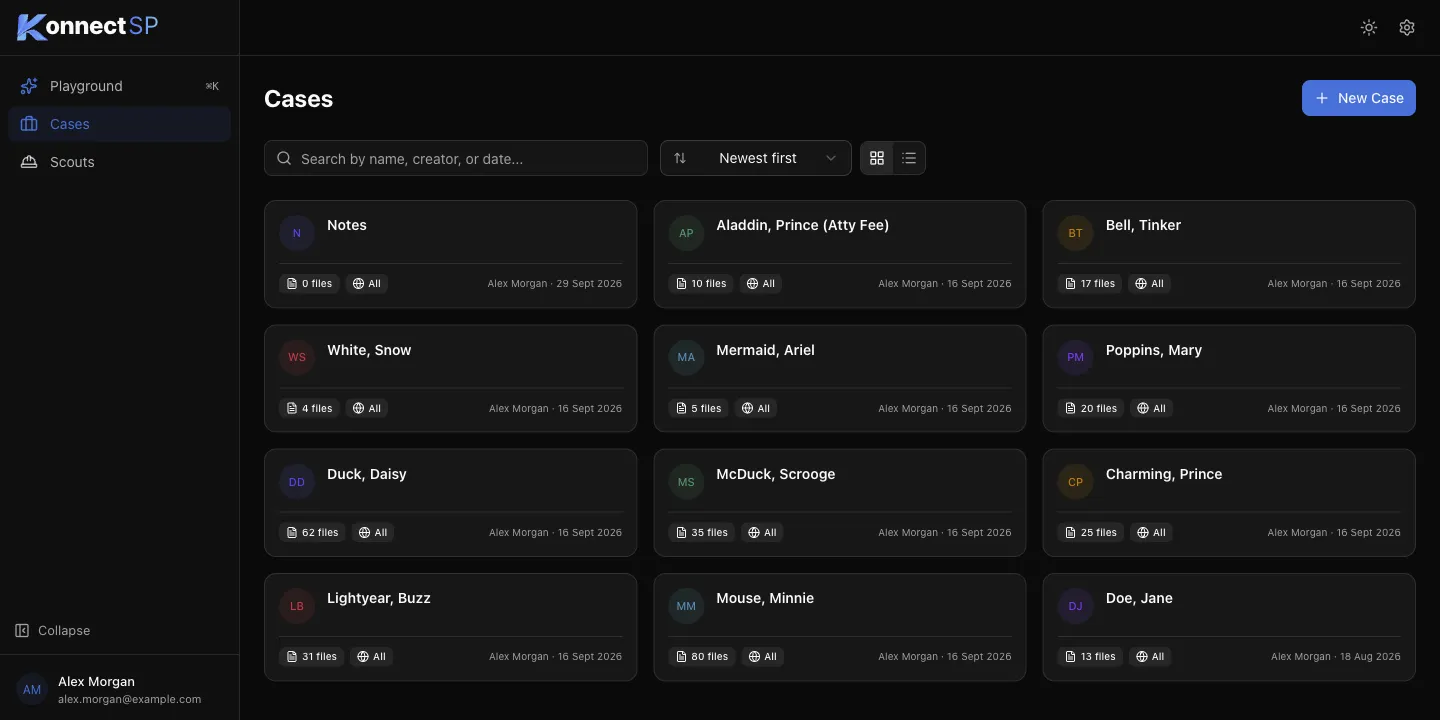
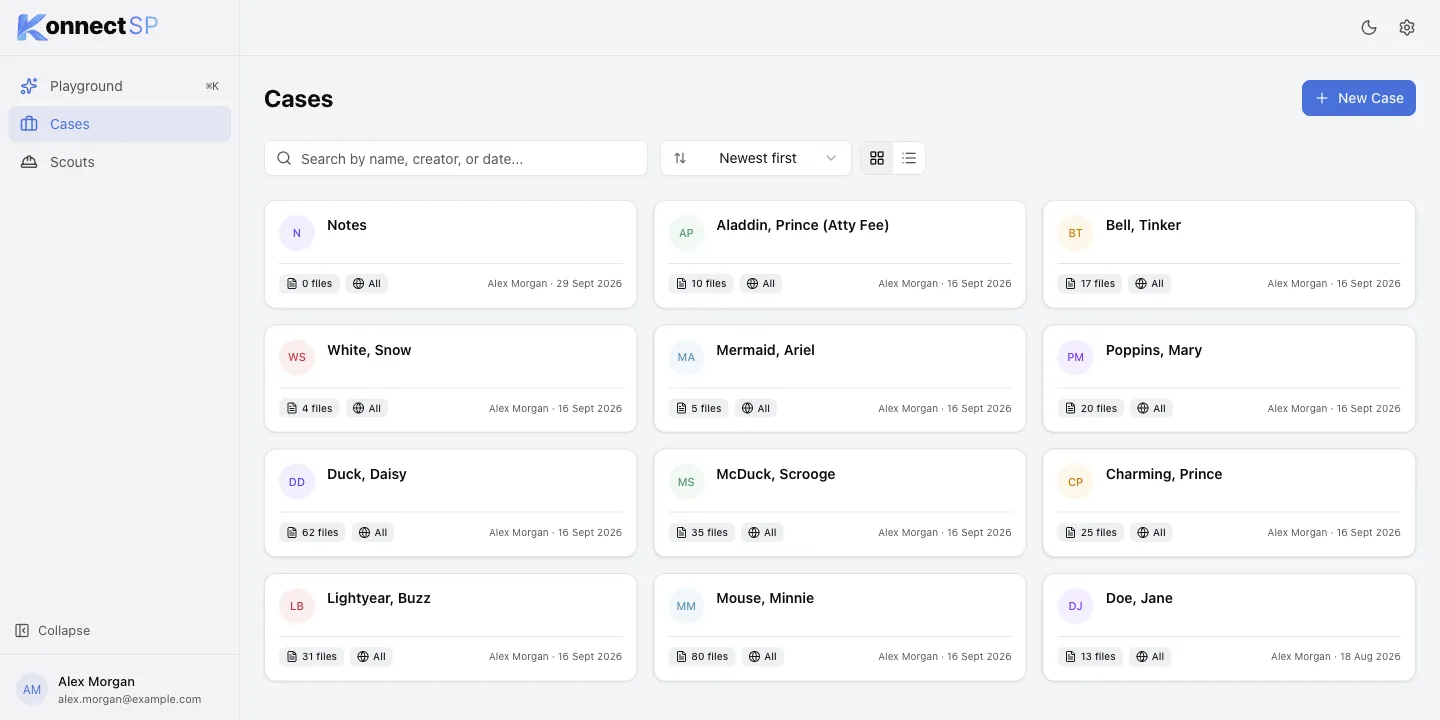
- Sidebar: open Playground, or go to Cases or Scouts. Select Collapse to make the sidebar smaller.
- Top right: switch between light and dark mode, or open Settings (gear icon).
- Bottom left: your name and email. Select it, then Sign out to sign out.