
Coined prompts
Coined prompts are ready-made instructions that appear as Suggested prompts in Ask AI. Admins write them once, so every member runs the same review in the same way. Only admins can see and change coined prompts.
New organizations start with a set of prompts, such as Proposal Review and Settlement Agreement Review, that you can edit or remove.
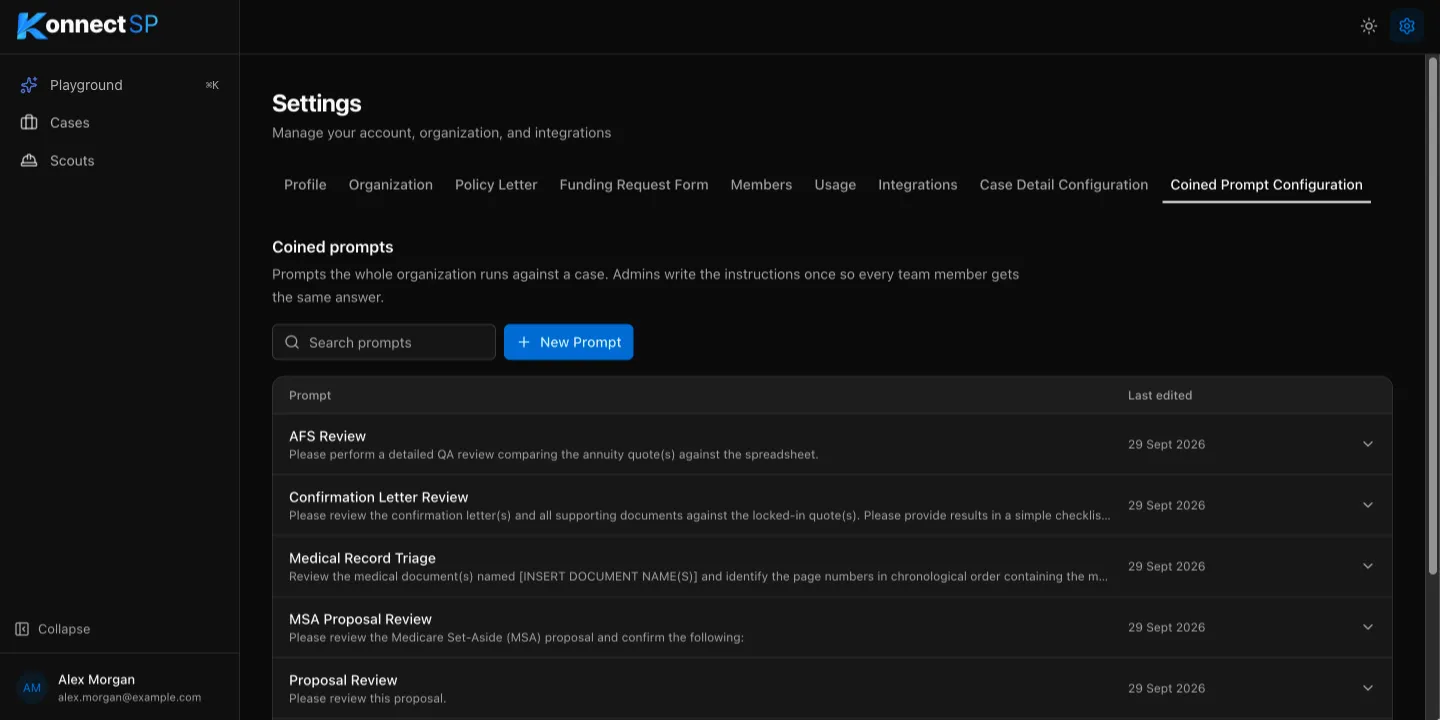
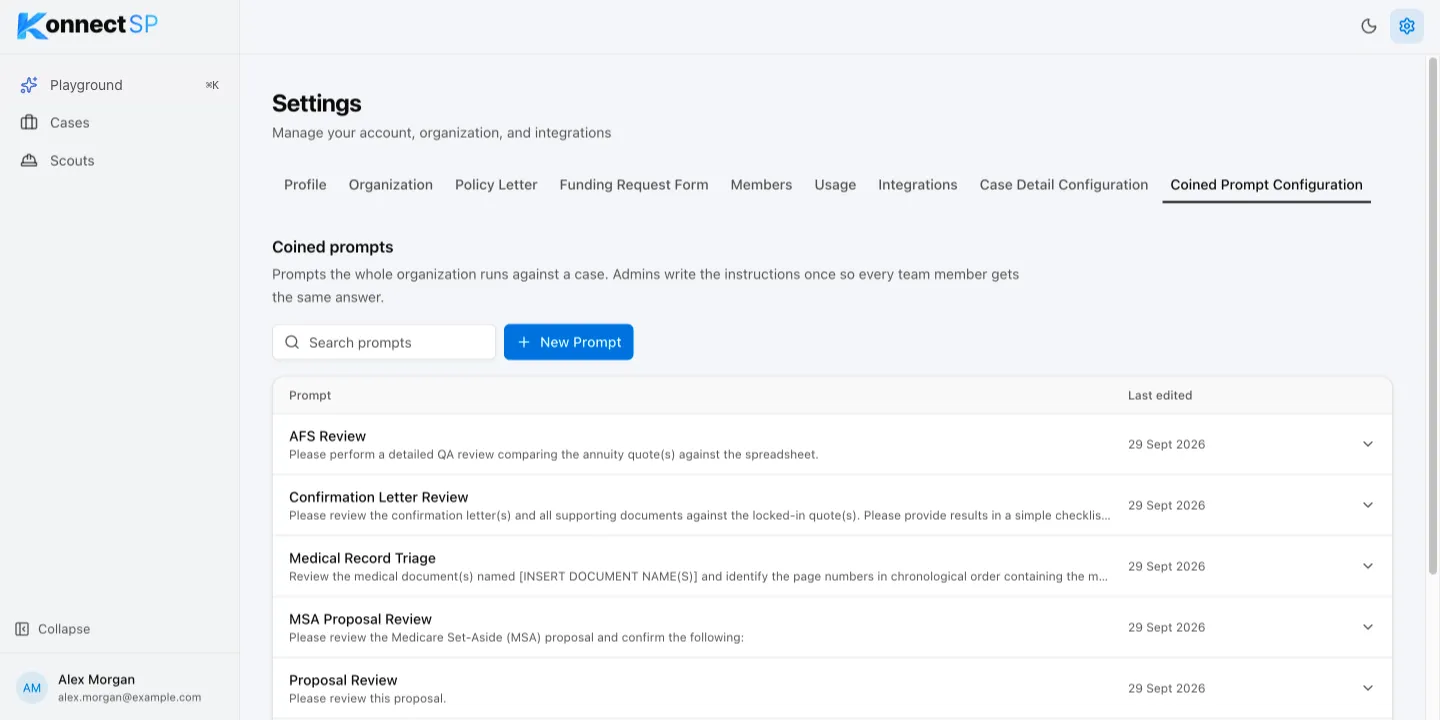
Add a prompt
Section titled “Add a prompt”- Go to Settings > Coined Prompt Configuration.
- Select New Prompt.
- In Name, enter the name members see in Ask AI.
- In Instructions, enter what the AI should do. Put each instruction on its own line.
- Select Save Prompt. The prompt appears in Ask AI for every member.
Edit a prompt
Section titled “Edit a prompt”- Go to Settings > Coined Prompt Configuration.
- Select the prompt in the list. It expands to show its name and instructions.
- Make your changes, then select Save Changes.
To find a prompt in a long list, enter part of its name or instructions in Search prompts.
Delete a prompt
Section titled “Delete a prompt”- Select the prompt in the list.
- Select Delete, then select Delete Prompt to confirm.
If your organization has no coined prompts, Ask AI does not show suggested prompts.