
Integrations
Connect a SharePoint document library to KonnectSP. After you connect it, each new top-level folder in the library becomes a case, and files added to a folder are added to that case. Only admins can manage integrations.
Connect SharePoint
Section titled “Connect SharePoint”- Go to Settings > Integrations.
- On the SharePoint card, select Connect to SharePoint.
- Select the SharePoint site.
- Select the document library.
- Review the details, then select Connect.
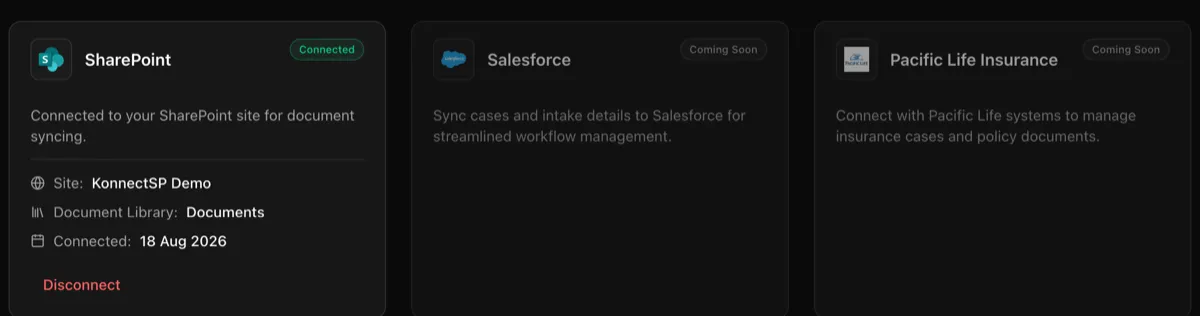
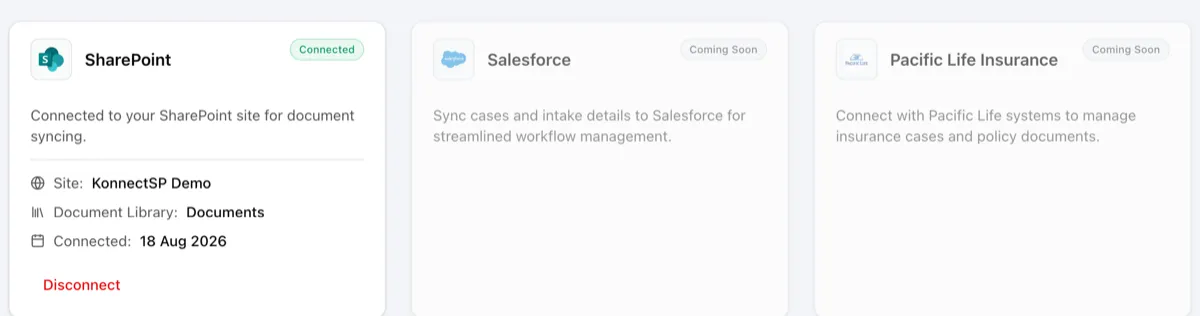
When the connection is complete, the card shows Connected, with the site, the document library, and the date.
Disconnect SharePoint
Section titled “Disconnect SharePoint”On the SharePoint card, select Disconnect, then confirm. Cases and files already in KonnectSP stay, but new SharePoint content is no longer added. You can reconnect at any time.
Salesforce and Pacific Life Insurance integrations are marked Coming Soon.