
Find a case
The Cases page lists every case you have access to. It opens when you sign in.
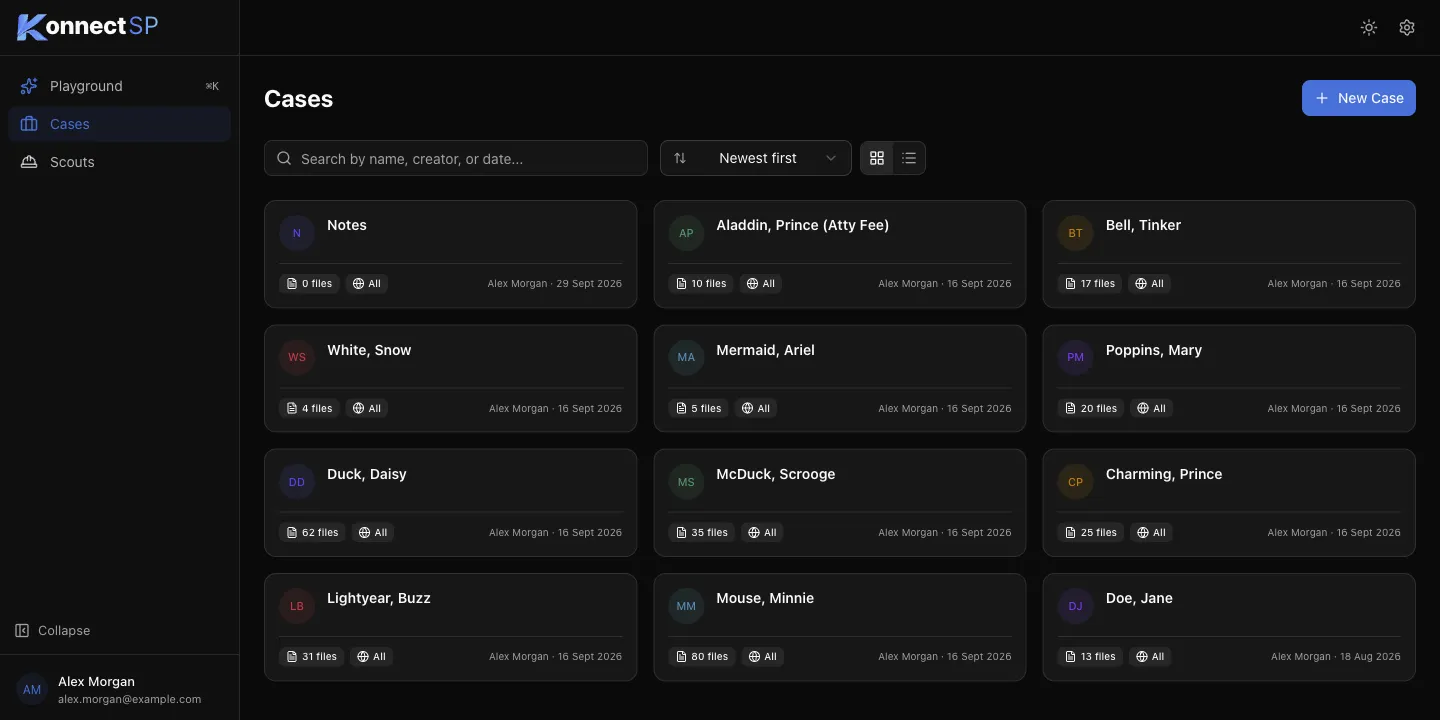
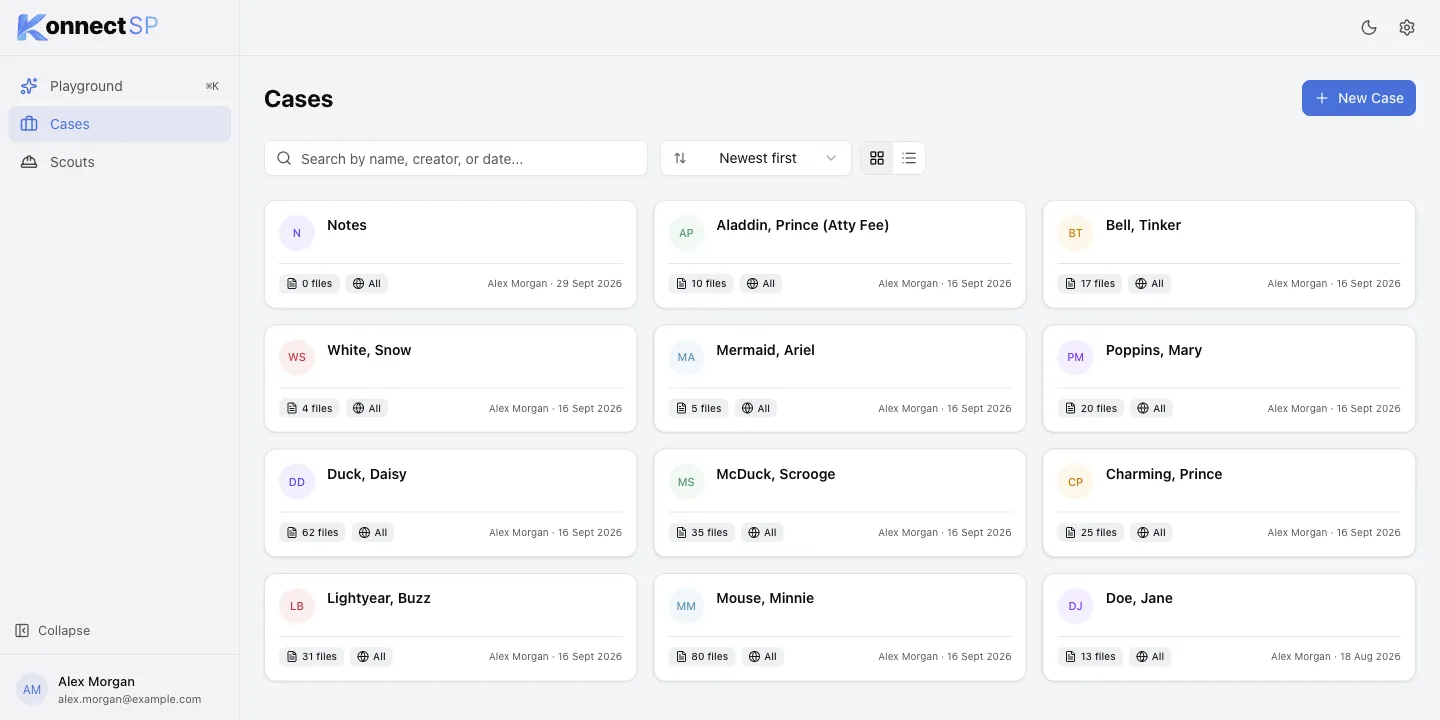
Each case card shows the case name, the number of files, who can see the case (All or Restricted), who created it, and when.
Search and sort
Section titled “Search and sort”- To find a case, enter a case name, creator, or date in the search box.
- To change the order, open the sort list and select Newest first, Oldest first, Name A-Z, or Name Z-A.
- To switch between cards and a compact list, select the grid or list icon next to the sort list.
To open a case, select its card.