
Playground
Playground is a chat assistant for settlement planning questions, such as explaining a settlement term or drafting a plain-English letter to a claimant. You can also attach documents and ask about them. It opens over any page, so you can use it without leaving your work.
To ask about the files in a specific case, use Ask AI instead.
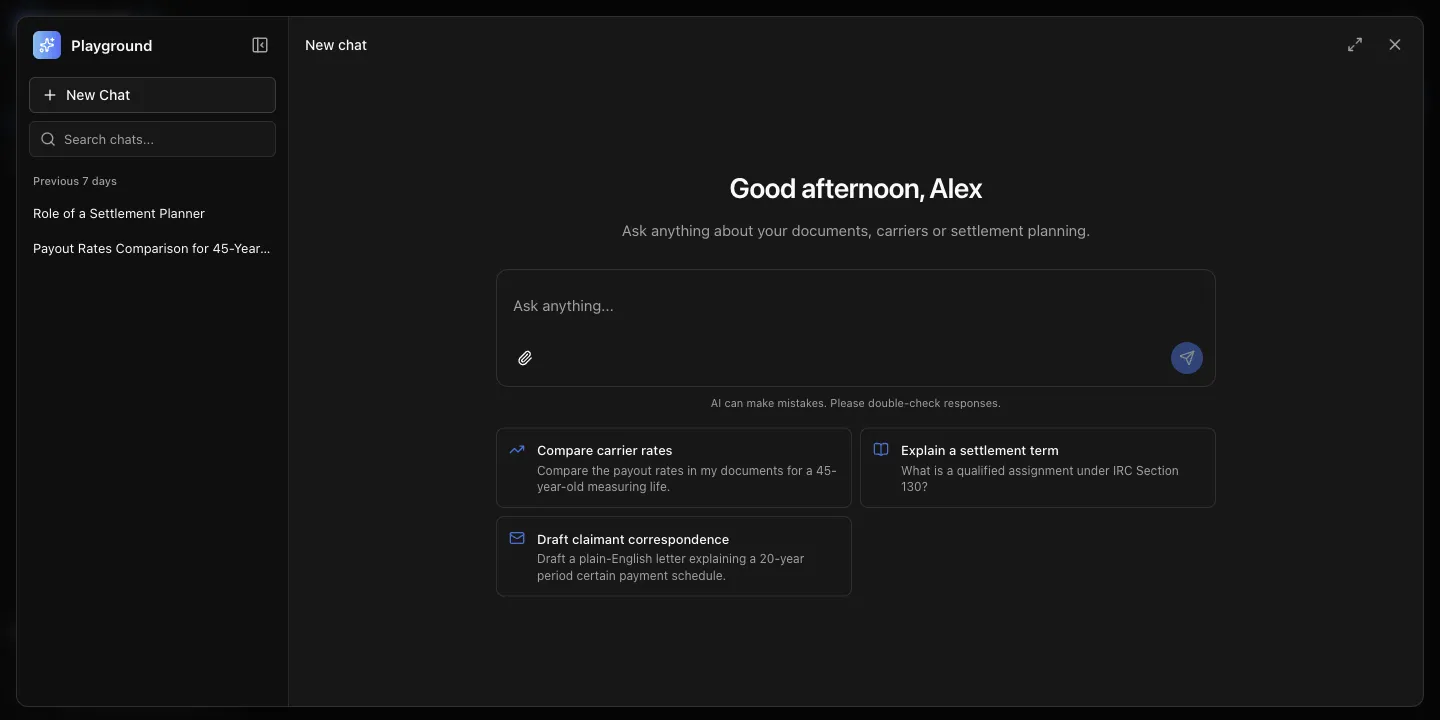
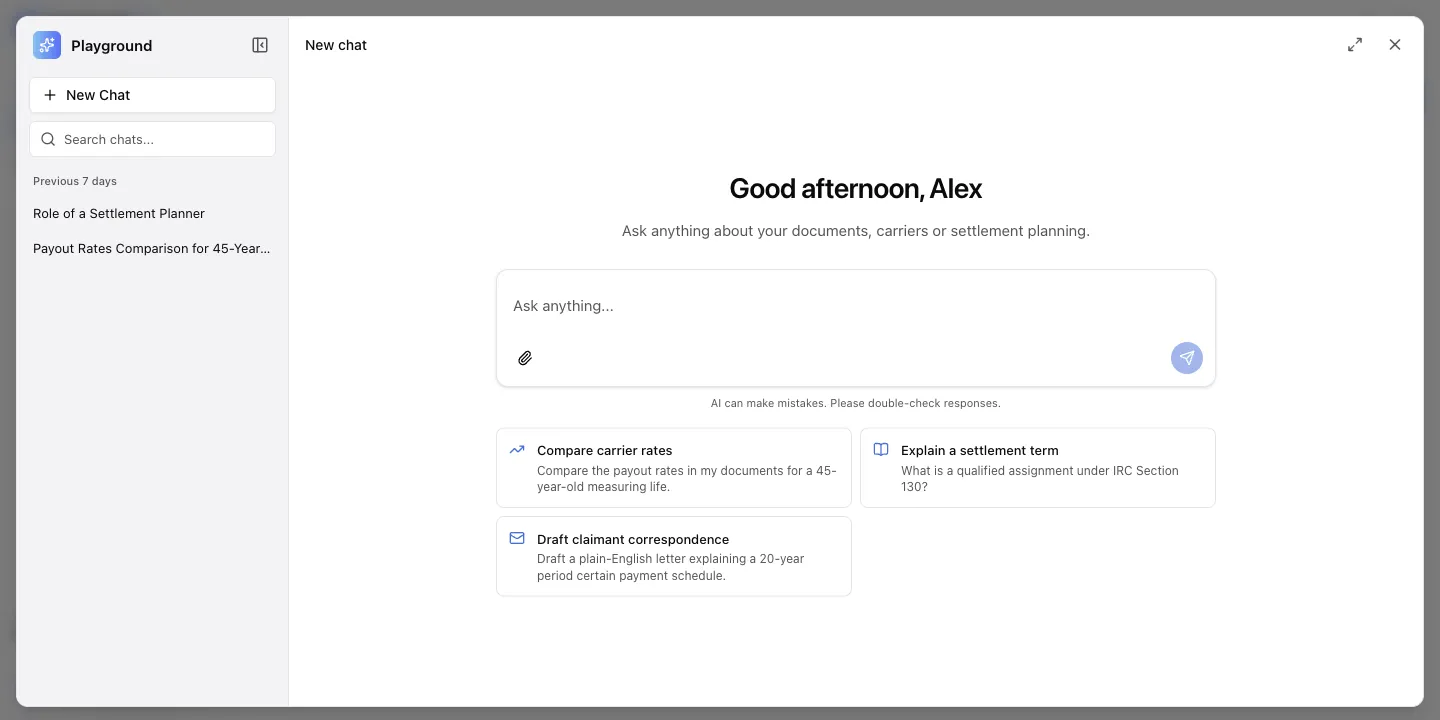
Ask a question
Section titled “Ask a question”- In the sidebar, select Playground. You can also press ⌘K on a Mac or Ctrl+K on Windows.
- Enter your question, or select one of the suggested prompts.
- Select the send icon, or press Enter. To add a new line without sending, press Shift+Enter.
To give feedback on an answer, select the thumbs up or thumbs down icon below it. To copy an answer, select the copy icon.
Attach documents
Section titled “Attach documents”You can attach PDF, DOCX, XLSX, JPG, and PNG files. Each file can be up to 10 MB, and a chat can hold up to 100 pages in total.
- In the message box, select the paperclip icon, and then select one or more files. You can also drag files onto the message box.
- Wait while Playground reads the documents. Each file appears in the message box with its page count, next to the number of pages the chat uses.
- Optional: To remove a file, select the close icon on the file.
- Enter your question, and then select the send icon.
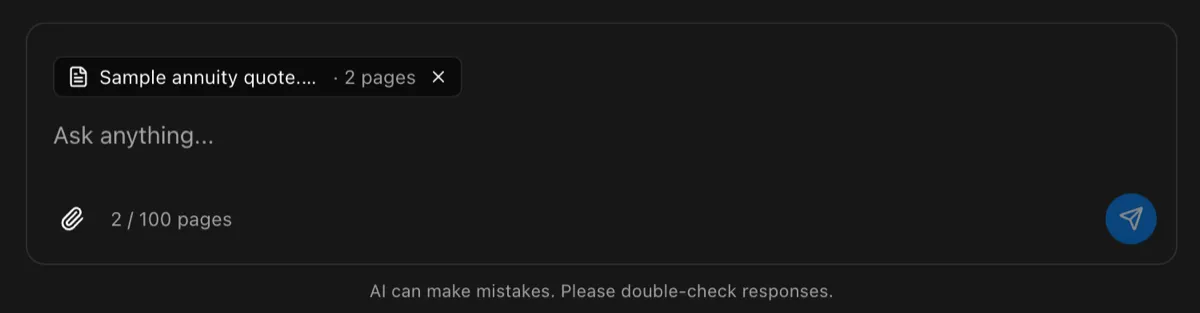
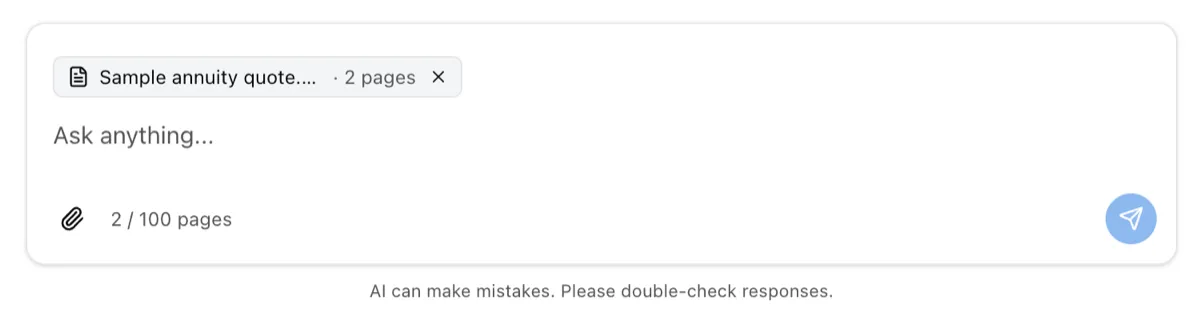
If a file cannot be attached, it shows the reason, such as the file being too large or the chat going over 100 pages. Attached documents stay with the chat, so you can ask follow-up questions about them.
Find a past chat
Section titled “Find a past chat”Playground saves each chat and names it after its first question. Your chats are visible only to you.
- To reopen a chat, select it in the list on the left. Chats are grouped by date.
- To find a chat, enter a word from its name in Search chats….
- To start over, select New Chat.
Change the window
Section titled “Change the window”- To use the whole screen, select the full screen icon in the top corner. Select it again to return.
- To hide the chat list, select the panel icon next to Playground.
- To close Playground, select the close icon or press Esc.