
Organization
The Organization tab holds your firm’s details. KonnectSP fills them in on every annuity application and uses them on the letters scouts write. Only admins can change them.
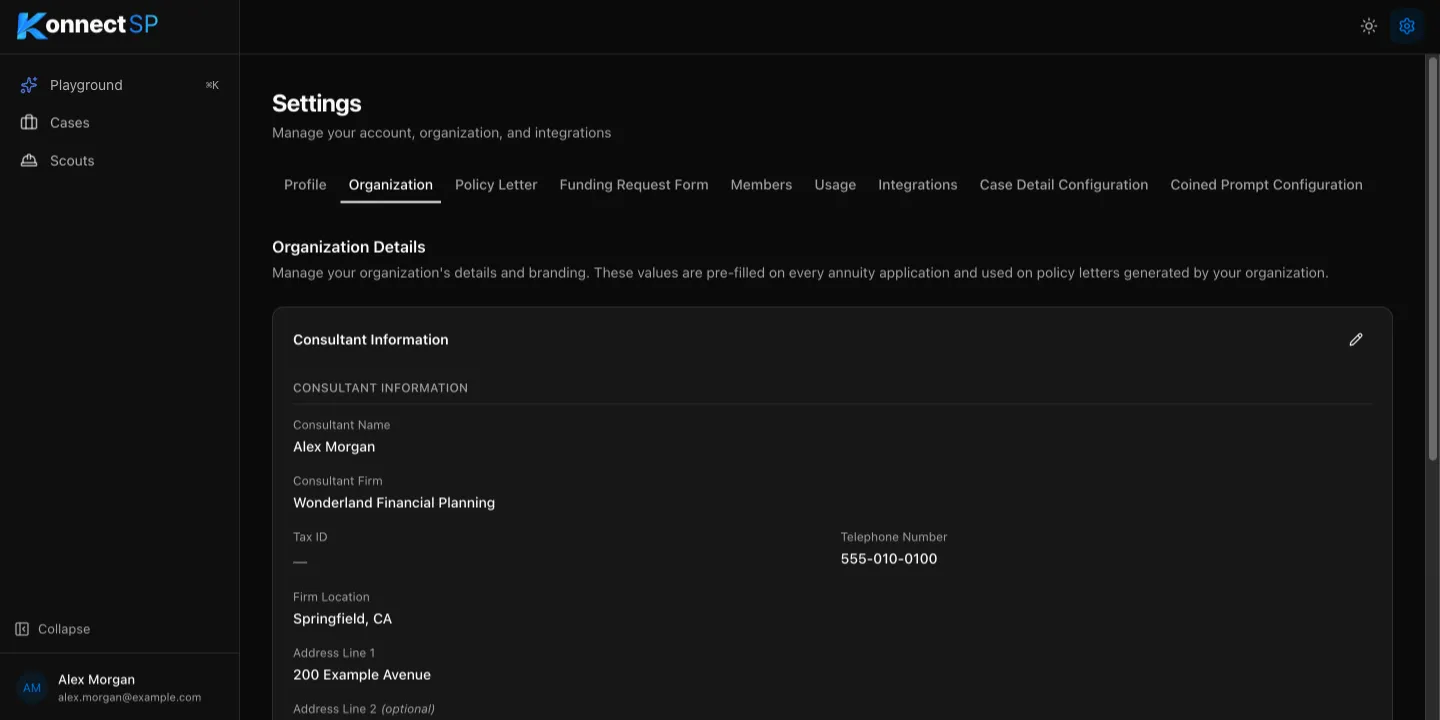
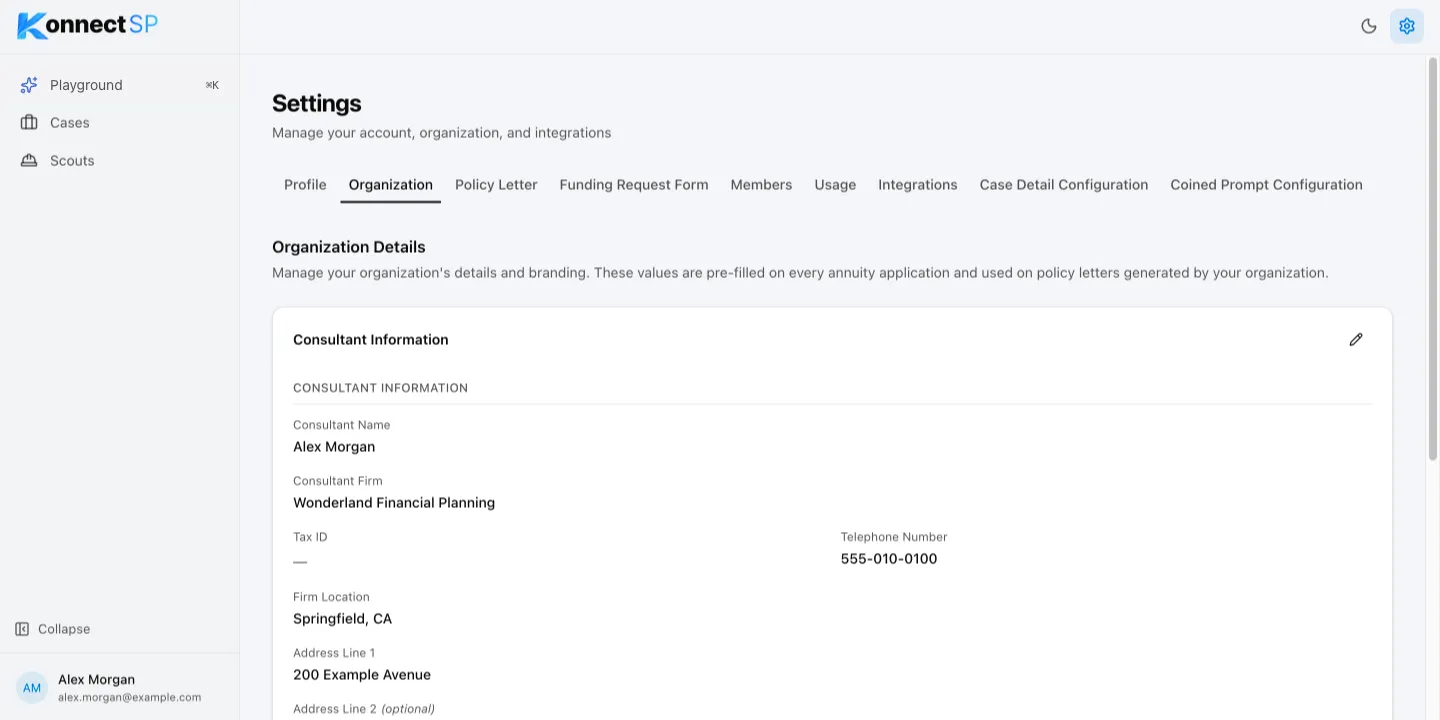
Update your organization details
Section titled “Update your organization details”- Go to Settings > Organization.
- In Consultant Information, select the pencil icon.
- Update the details, such as Consultant Name, Consultant Firm, Telephone Number, and the address.
- Optional: Add a Website and a Tax ID.
- Under Signature & Logo, add or replace the signature and logo.
- Select Save.
The logo appears at the top of policy letters and funding requests.