
Profile
Your profile holds your account details and the signature KonnectSP adds to letters you sign. To open it, select the gear icon at the top right, then select Profile.
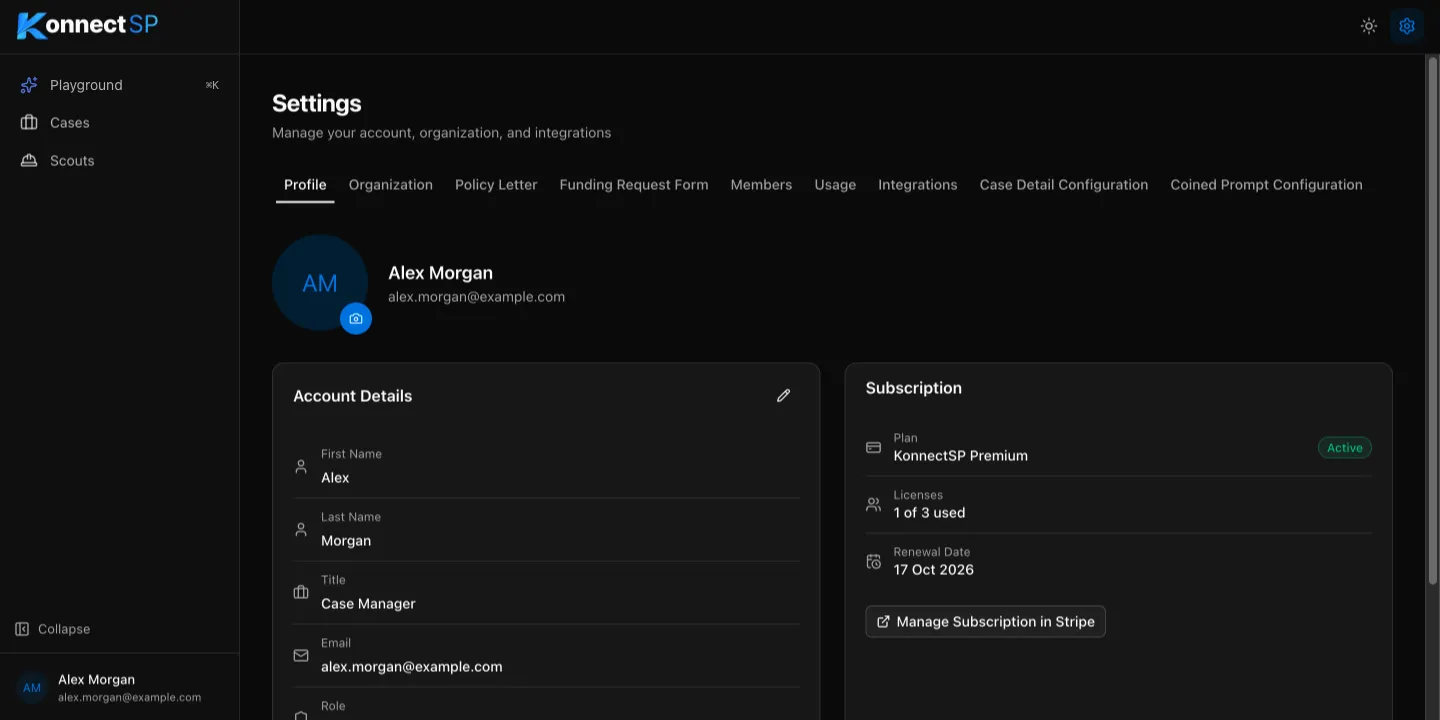
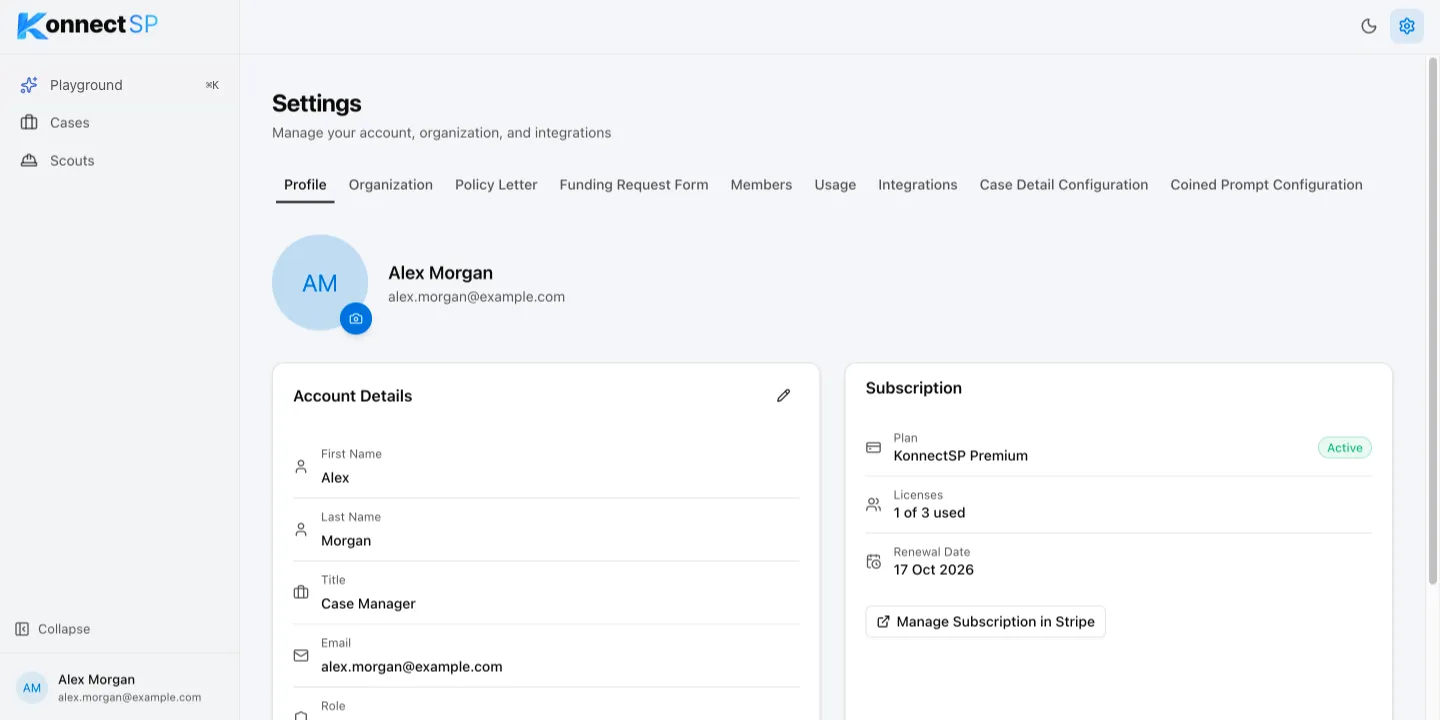
Edit your account details
Section titled “Edit your account details”- In Account Details, select the pencil icon.
- Update your First Name, Last Name, or Title.
- Select Save.
Your email address and role cannot be changed here. Ask an admin if your role needs to change.
Add or change your profile picture
Section titled “Add or change your profile picture”- Select the camera icon on your picture.
- Choose a JPG or PNG image up to 5 MB, and adjust the crop.
- Save the picture.
Add or change your signature
Section titled “Add or change your signature”Scouts use your signature on policy letters and funding requests.
- In Account Details, go to Signature.
- Drag an image of your signature onto the upload area, or select it to browse. Use a PNG or JPEG image up to 5 MB.
- Adjust the crop, then save.
To replace it later, select Change. To delete it, select Remove.
Subscription
Section titled “Subscription”The Subscription card shows your organization’s plan, how many licenses are in use, and the renewal date. Admins can select Manage Subscription in Stripe to update billing details.