
Annuity applications
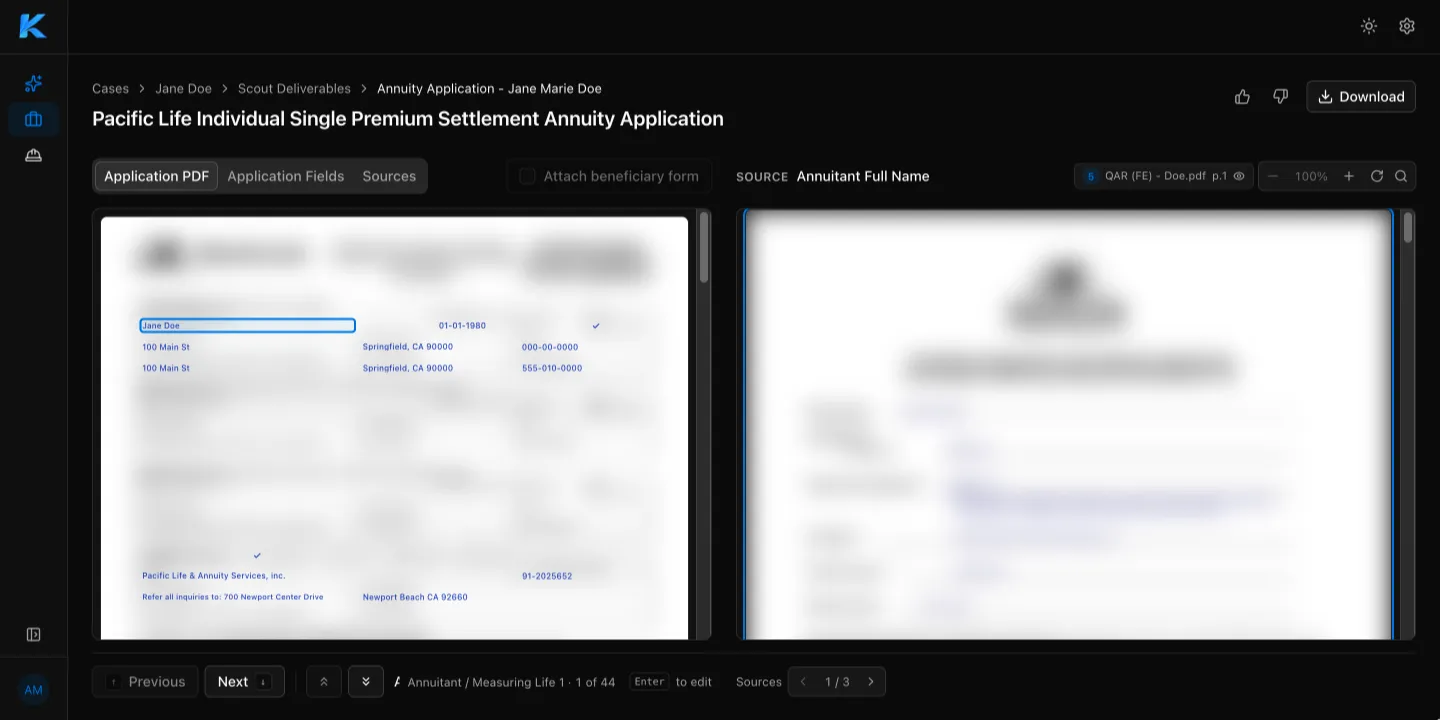
The Annuity Application Generator fills in a carrier’s application for a claimant using the case files. You check each field, correct anything that needs it, and download the completed application.
Review the application
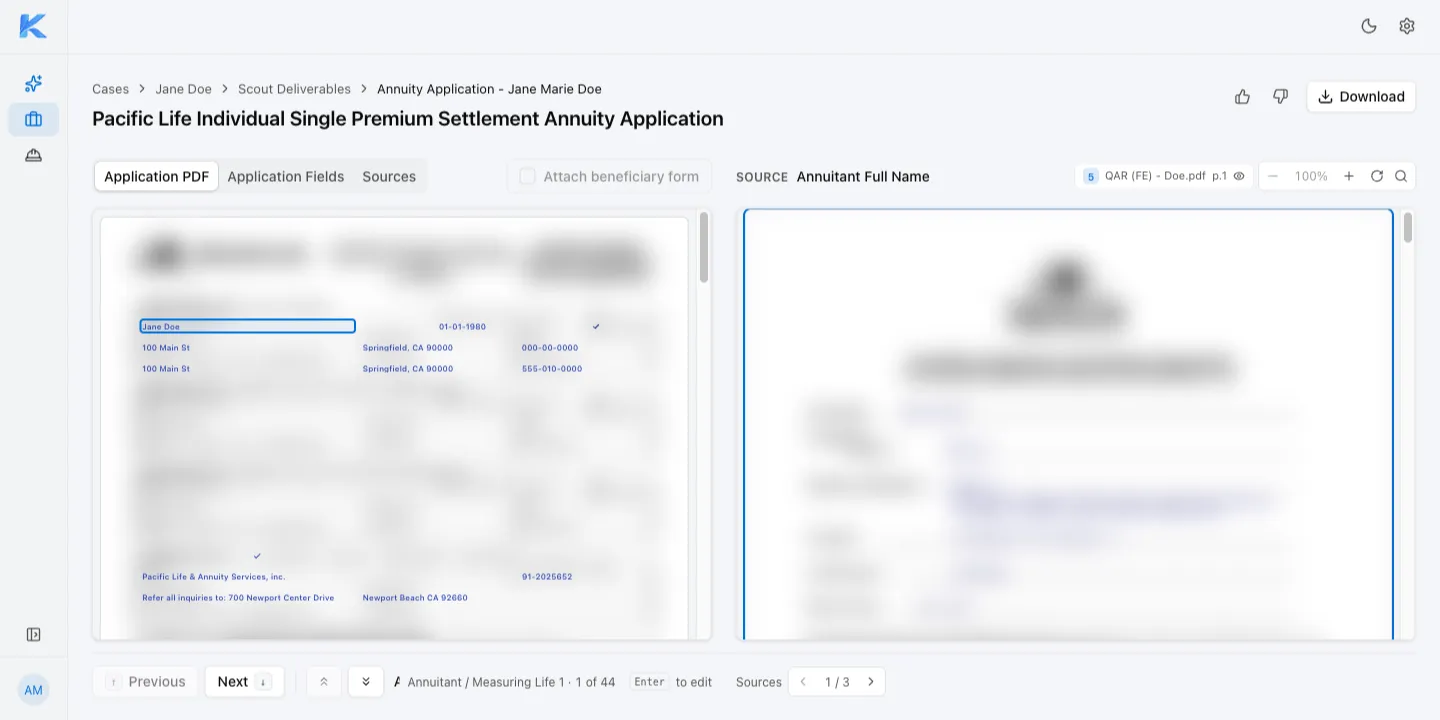
Section titled “Review the application”The application page has three tabs:
- Application PDF: the completed form.
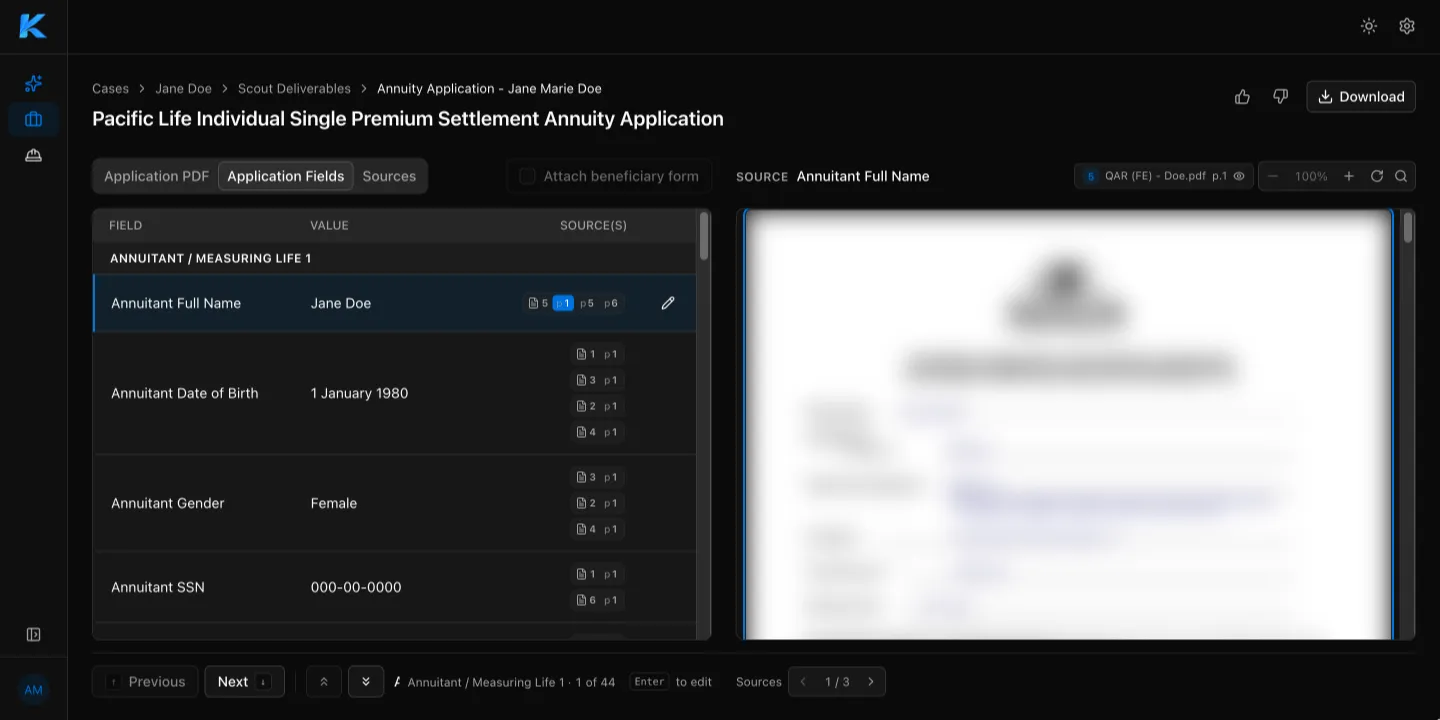
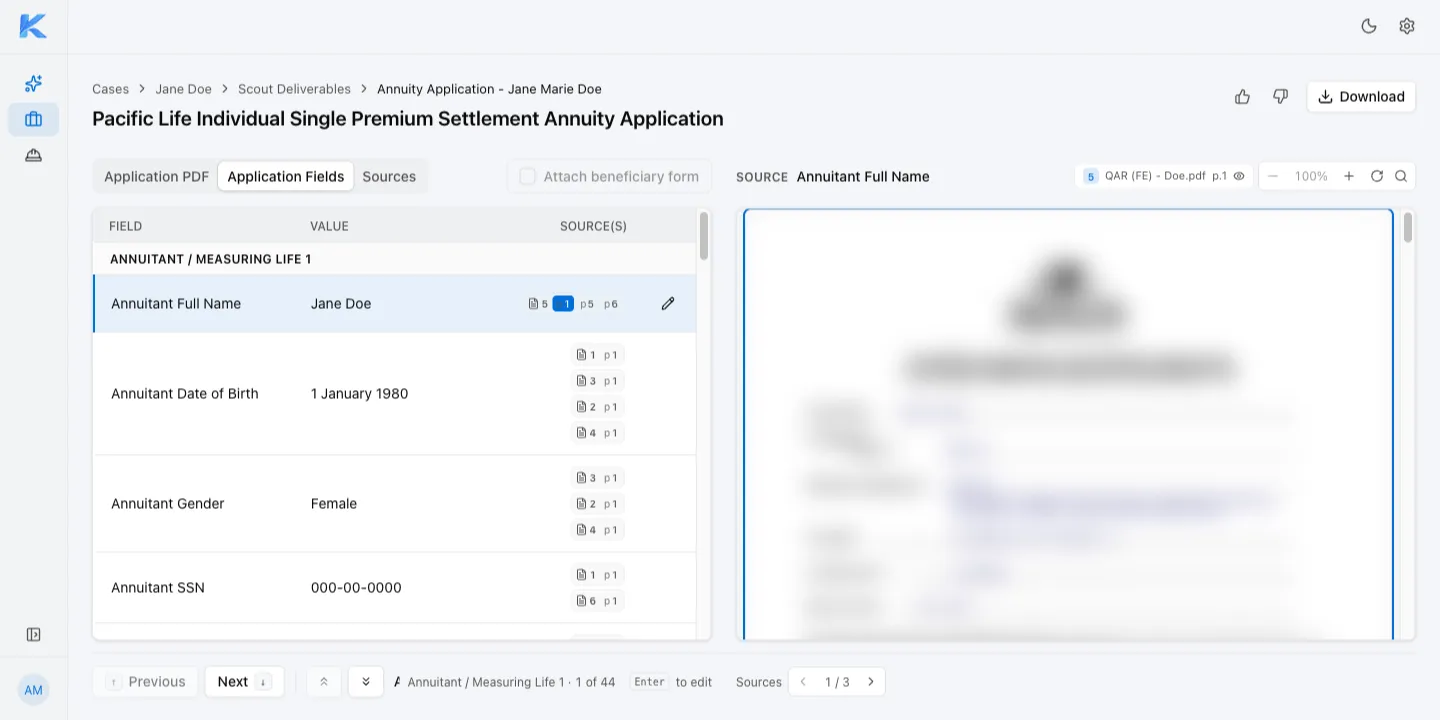
- Application Fields: every field with its value and the source documents it came from.
- Sources: the case files used to fill in the application.
The right side shows the source document for the selected field. Select Previous or Next at the bottom of the page to move from field to field.
Edit a field
Section titled “Edit a field”- On the Application Fields tab, select the field.
- Select the pencil icon, or press Enter.
- Enter the correct value, then select Save.
Add the beneficiary form
Section titled “Add the beneficiary form”To include the case’s beneficiary form with the application, select Attach beneficiary form. This option is unavailable for carriers whose application already covers beneficiaries.
Download the application
Section titled “Download the application”Select Download at the top of the page to save the completed application as a PDF.