
Edit case details
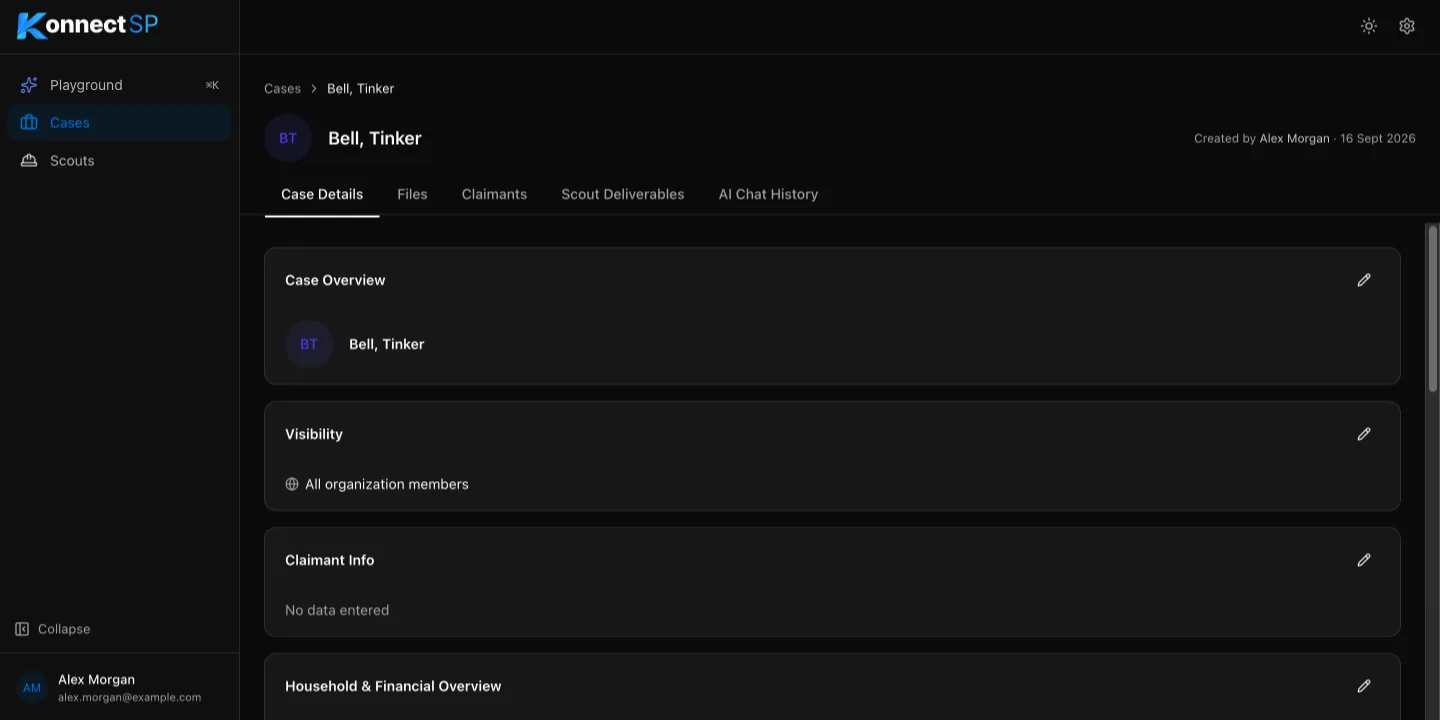
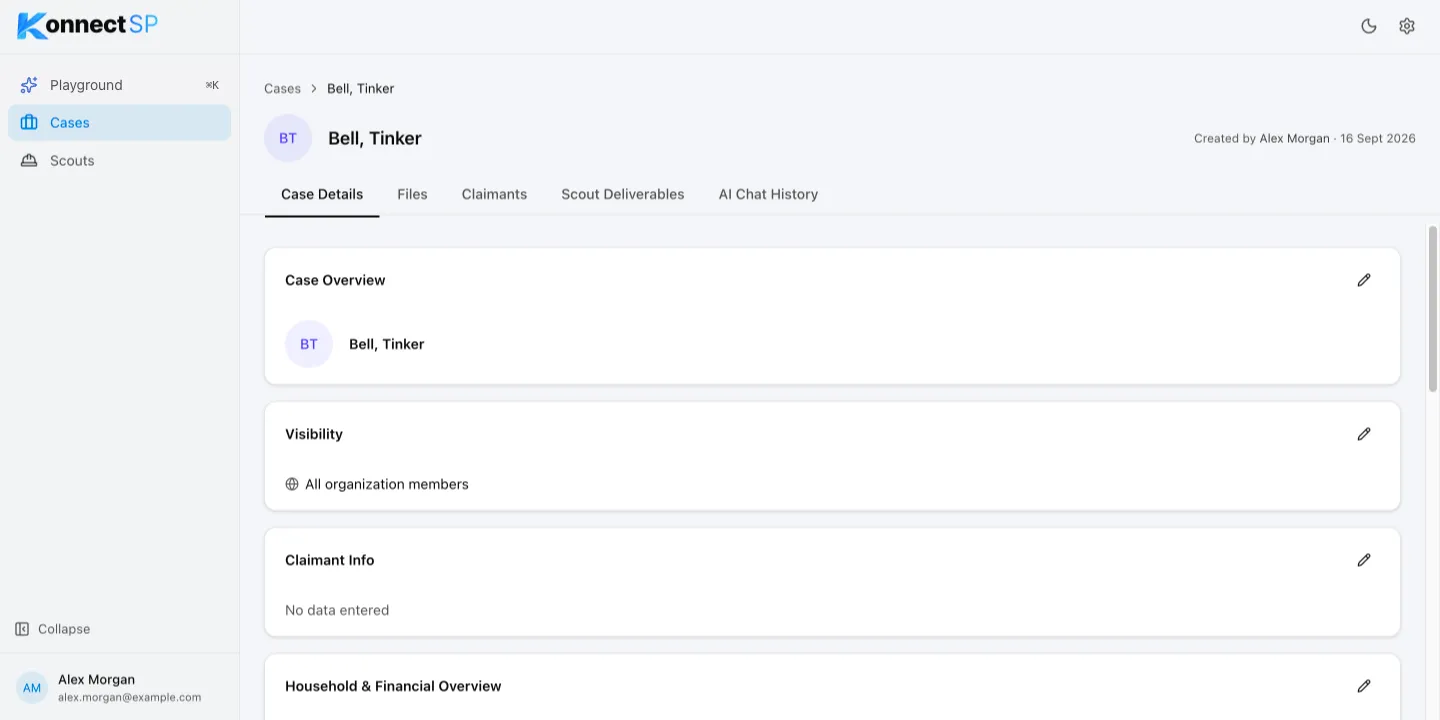
The Case Details tab holds the structured information for a case, grouped into sections such as Claimant Info, Settlement Details, and Plaintiff Counsel. Sections that have no information show No data entered.
Edit a section
Section titled “Edit a section”- Open the case and go to the Case Details tab.
- In the section you want to change, select the pencil icon.
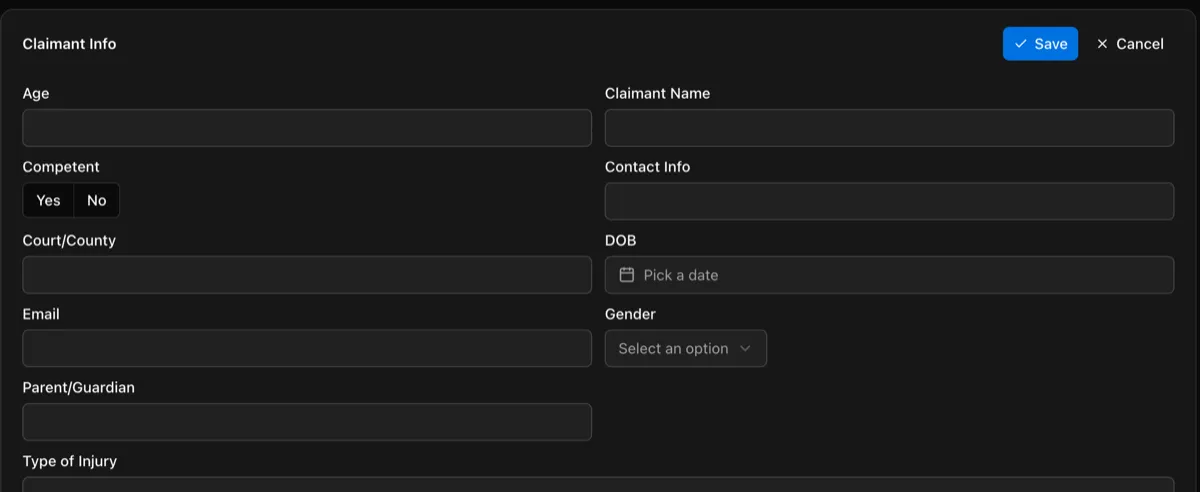
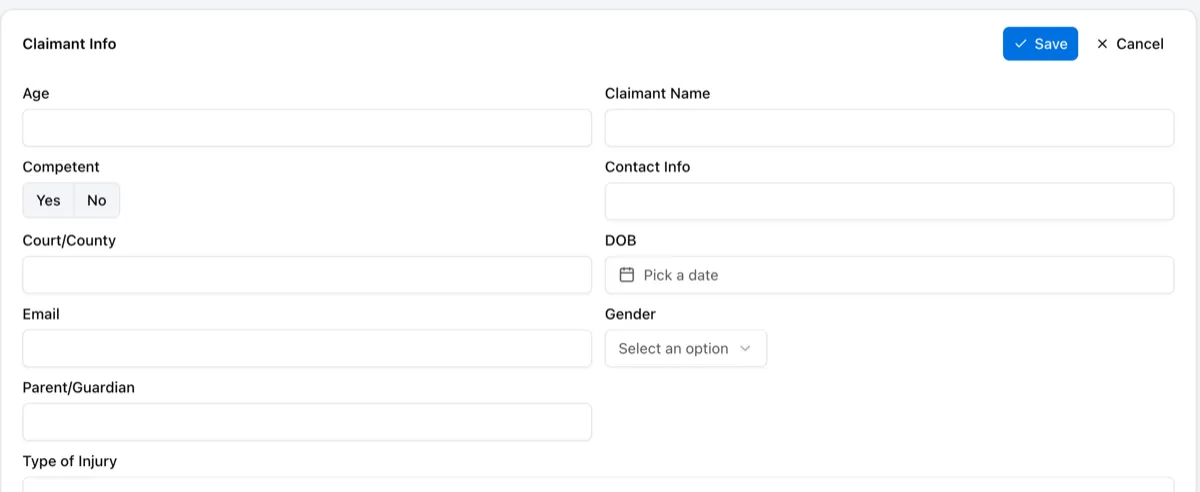
- Enter or update the information.
- Select Save. To discard your changes, select Cancel.
Change who can see the case
Section titled “Change who can see the case”- In the Visibility section, select the pencil icon.
- Select All organization members, or select Allowed organization members and add the members who need access.
- Select Save.
The sections and fields on this tab are the same for every case in your organization. An admin can change them in Case Detail Configuration.