
Create a case
Create a case for each settlement you work on. You can add details now or later.
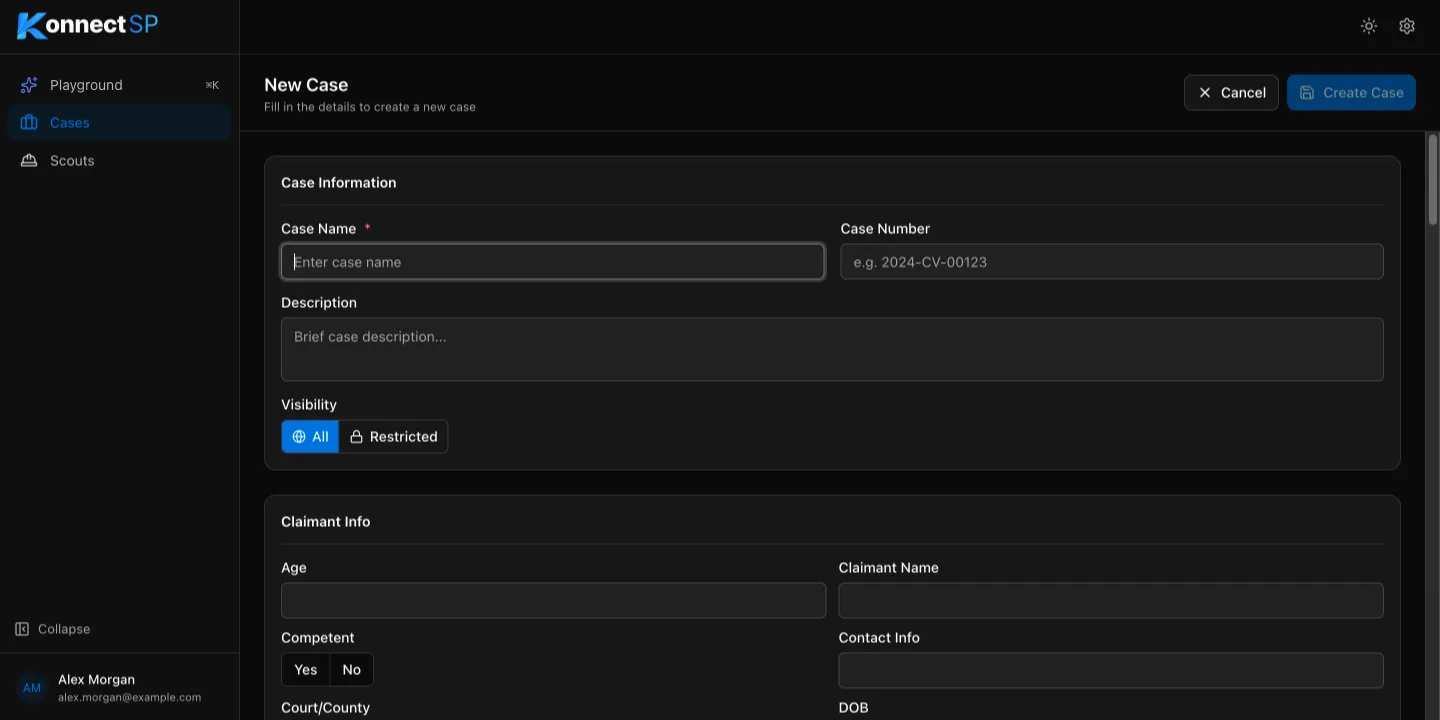
- On the Cases page, select New Case.
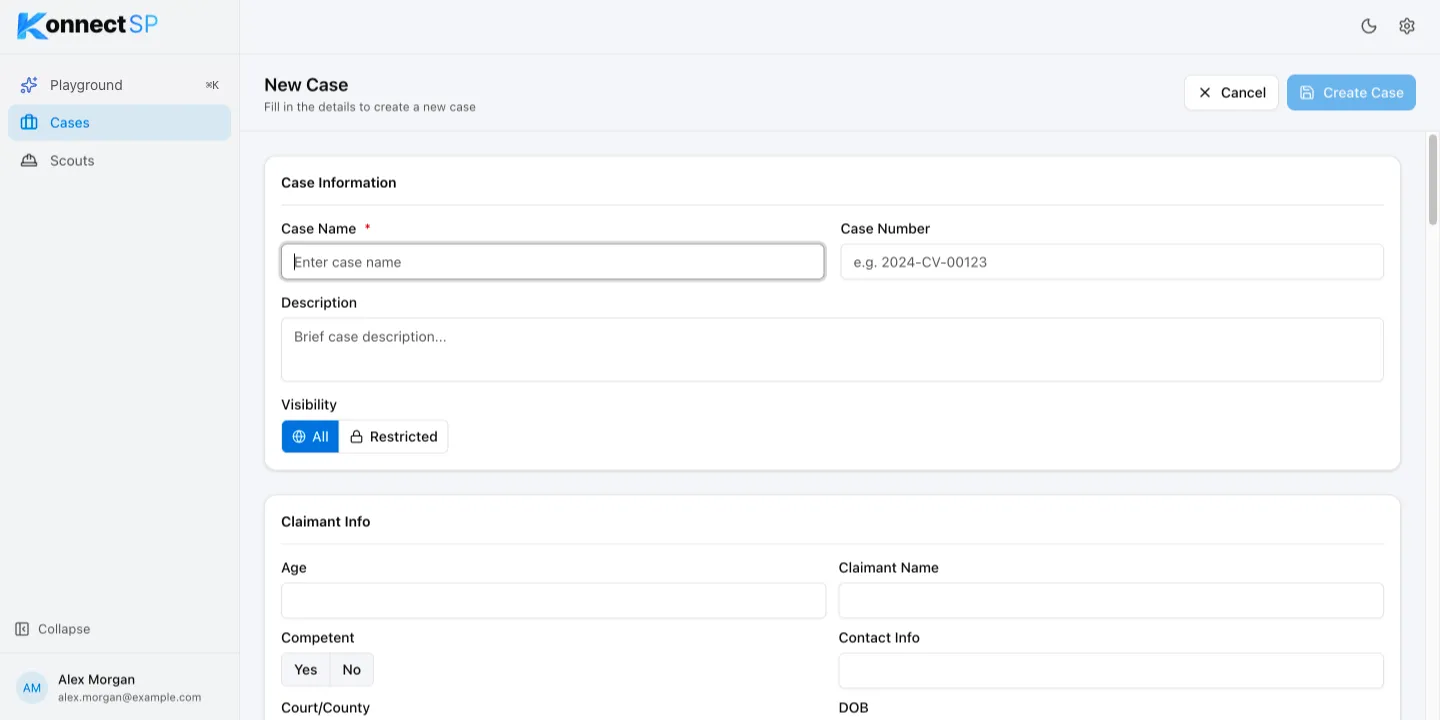
- In Case Name, enter a name for the case. This is the only required field.
- Optional: Enter a Case Number and a Description.
- Under Visibility, choose who can see the case:
- All: everyone in your organization.
- Restricted: only the members you add. Admins and you always have access.
- Optional: Fill in any of the case detail sections, such as Claimant Info or Settlement Details.
- Select Create Case.
Restrict a case to specific members
Section titled “Restrict a case to specific members”If you select Restricted, the Allowed Members field appears. Start typing a member’s name and select them from the list. Repeat for each member who needs access.


Next steps
Section titled “Next steps”- Upload files to the case.
- Edit case details at any time.