Letter templates
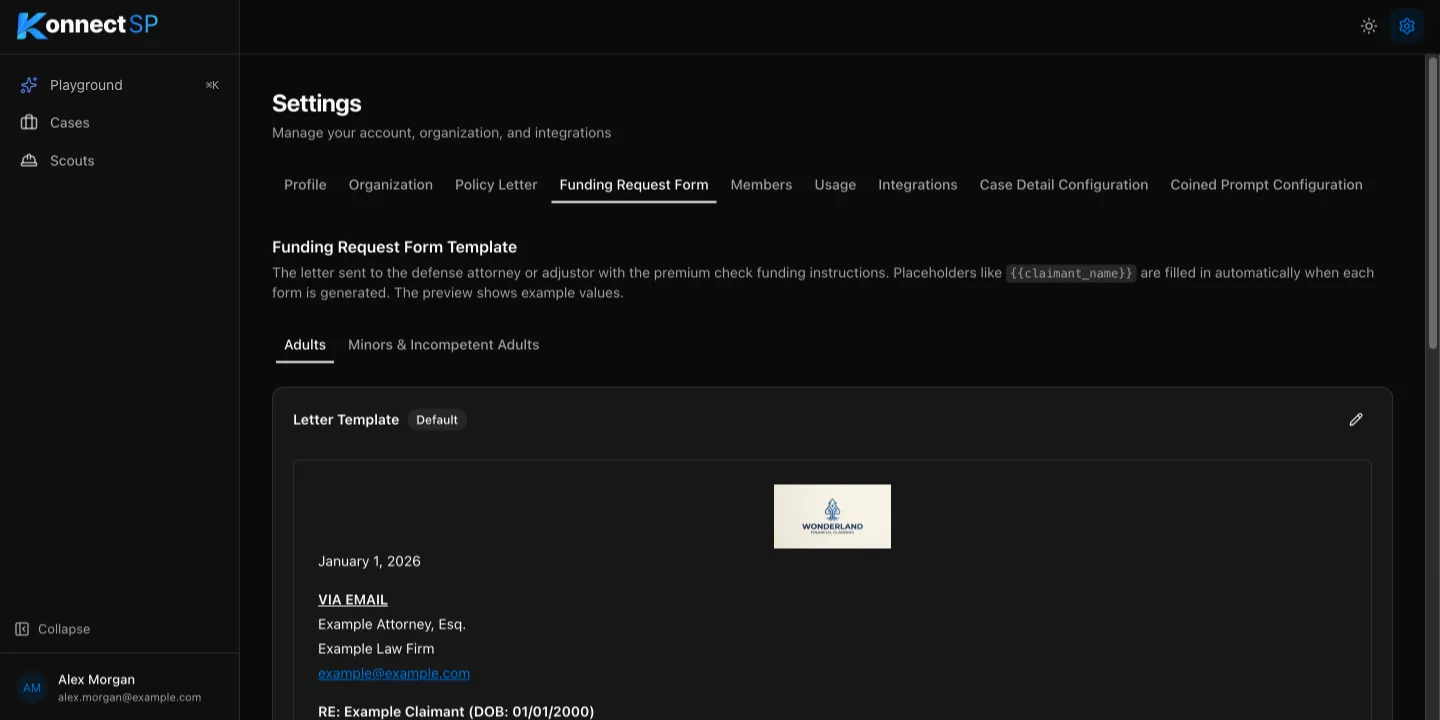
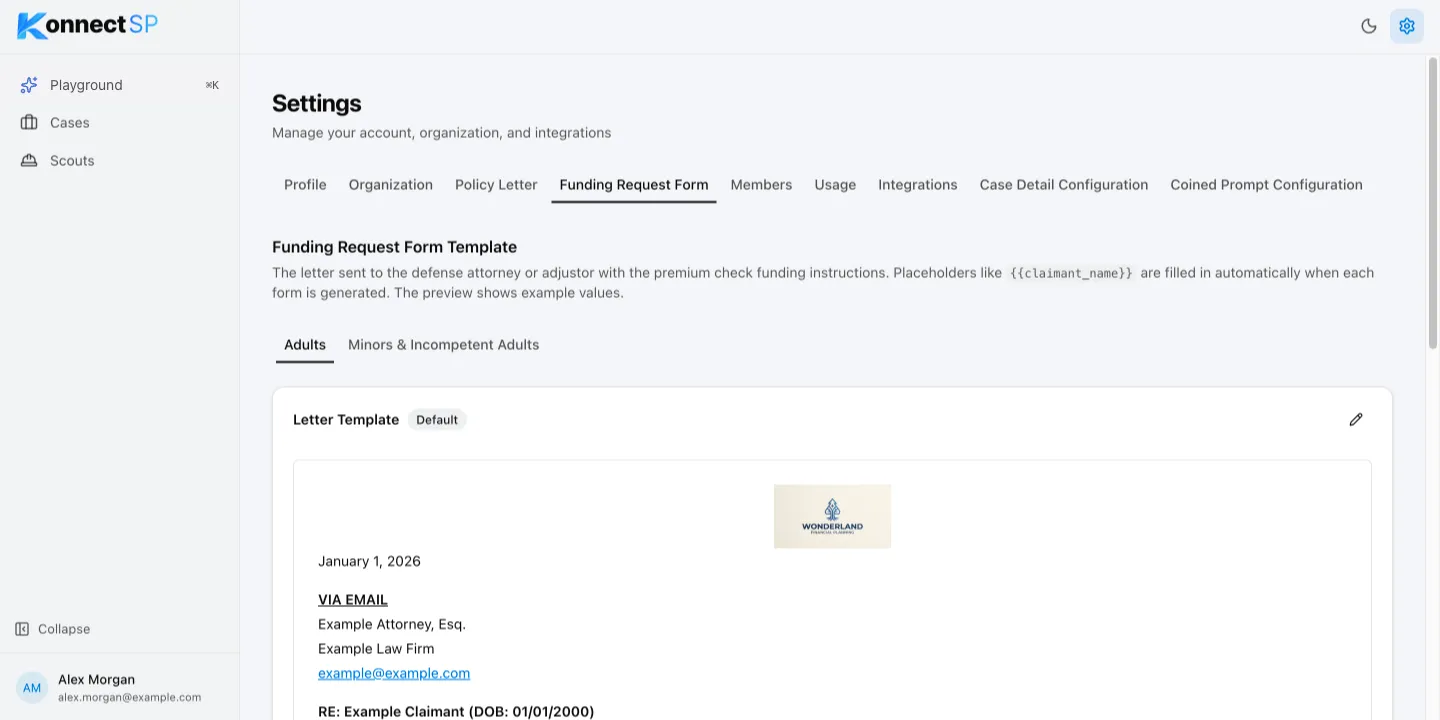
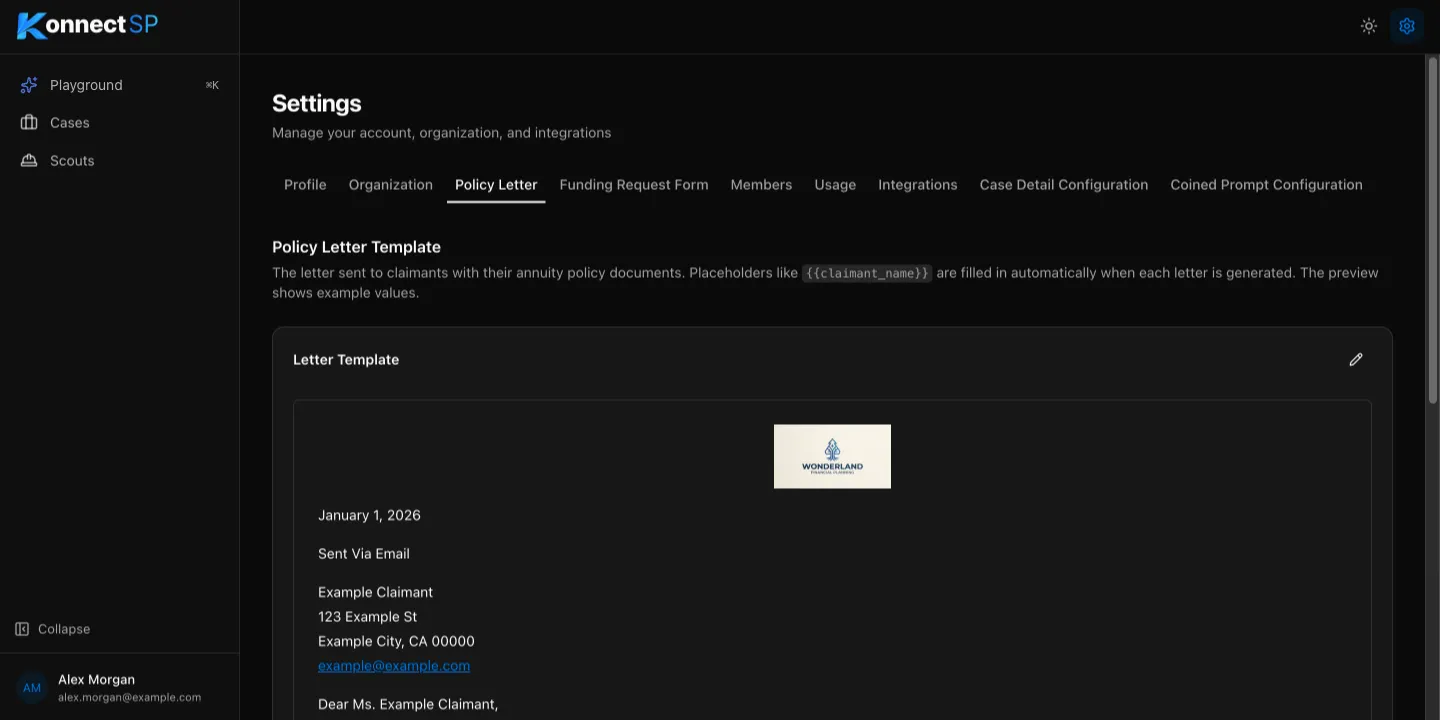
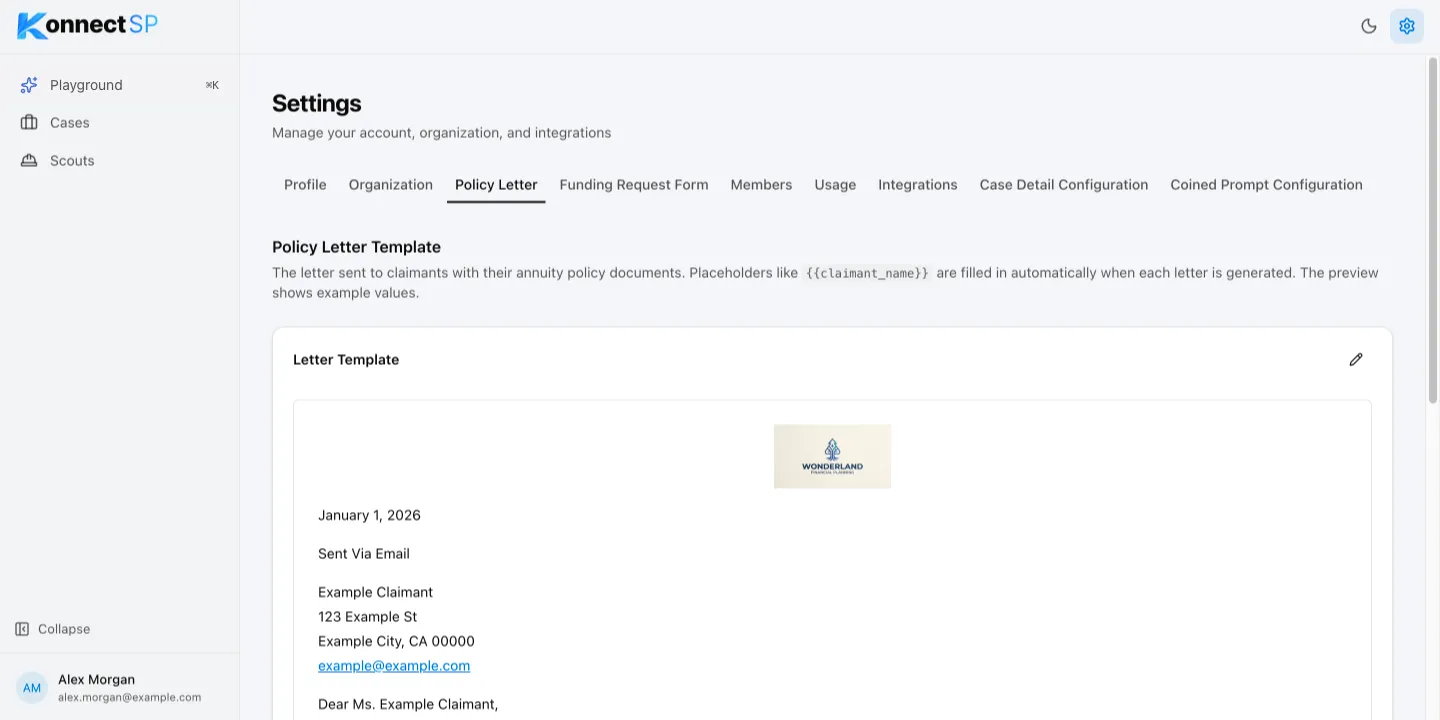
Scouts write policy letters and funding requests from your organization’s templates. Each template contains placeholders, such as {{claimant_name}}, that KonnectSP replaces with case details when it writes a letter. Only admins can change templates.
Edit a template
Section titled “Edit a template”- Go to Settings, then select Policy Letter or Funding Request Form.
- For a funding request, select Adults or Minors & Incompetent Adults.
- Select the pencil icon.
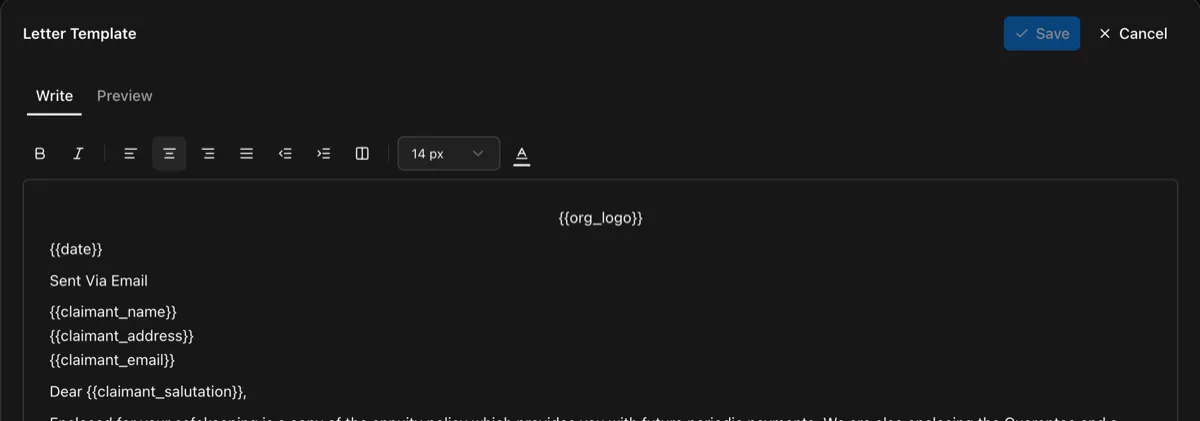
- On the Write tab, edit the text. Use the toolbar to change formatting, alignment, and font size.
- Select Preview to see the letter with example values.
- Select Save.
Placeholders
Section titled “Placeholders”The editor lists every placeholder you can use under Available placeholders. Common ones include:
| Placeholder | Replaced with |
|---|---|
{{date}} |
The date the letter is generated |
{{claimant_name}} |
The claimant’s full name |
{{claimant_salutation}} |
The claimant’s name with Mr. or Ms., when known |
{{claimant_address}} |
The claimant’s mailing address |
{{carrier_name}} |
The annuity carrier’s name |
{{carrier_details}} |
The carrier’s contact details |
{{org_logo}} |
Your organization’s logo |
{{signature}} |
The signer’s signature |
{{signature_name}} |
The name printed below the signature |
Text above {{header}} stays at the top of each page. Text below {{footer}} stays at the bottom.
Funding request templates
Section titled “Funding request templates”The Funding Request Form tab has two templates: Adults and Minors & Incompetent Adults. On a funding request, the Letter type switch chooses which one is used.