
Review deliverables
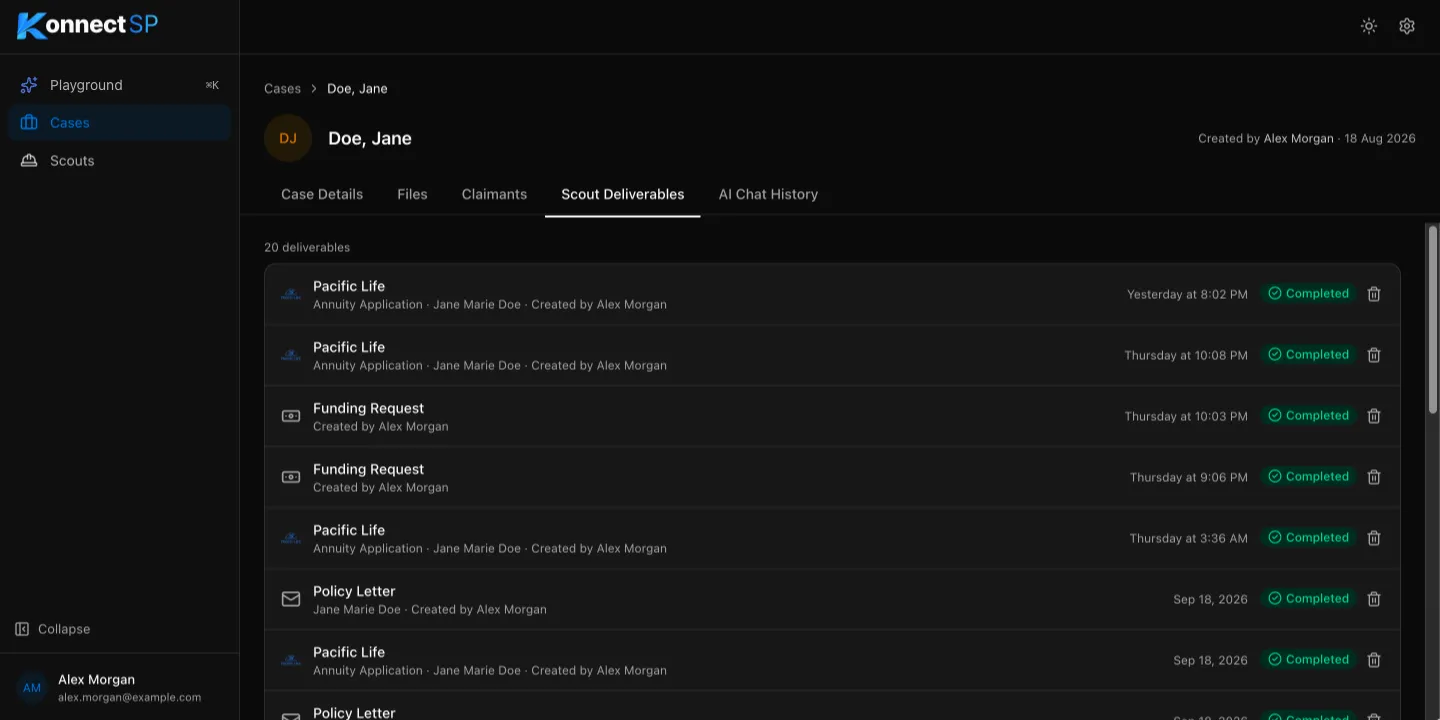
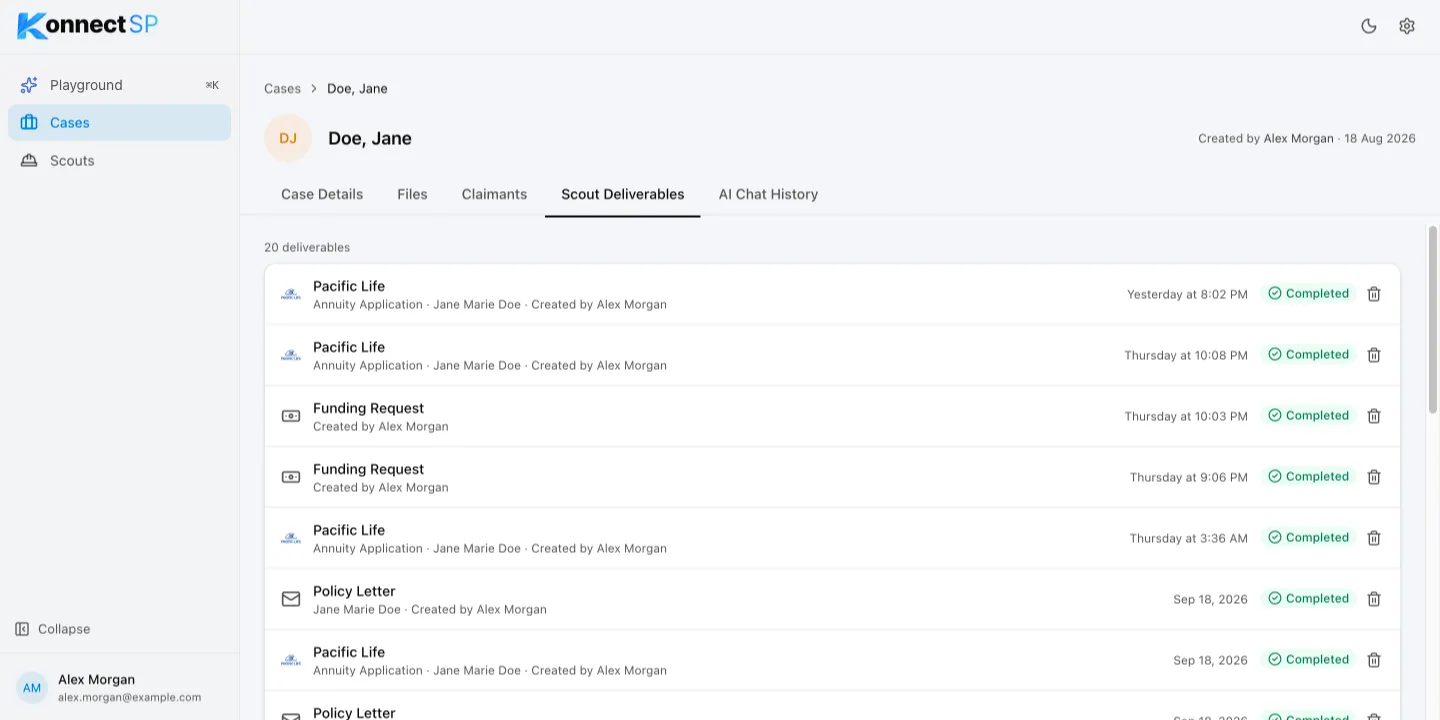
Every scout run adds a deliverable to the case. The Scout Deliverables tab lists them, newest first, with the claimant, who started the scout, and when.
Deliverable status
Section titled “Deliverable status”| Status | Meaning |
|---|---|
| Pending | The scout is waiting to start. |
| In Progress | The scout is working. |
| Completed | The deliverable is ready. Select it to open it. |
| Failed | The scout could not finish. Check that the case has the documents the scout needs, then run it again. |
Check values against their sources
Section titled “Check values against their sources”Most deliverables show where each value came from. Select a value to open the source document at the right page. Always compare important values, such as names, dates, and amounts, with the source before you use a deliverable.
Rate a deliverable
Section titled “Rate a deliverable”At the top of a deliverable, select the thumbs-up icon if it looks good, or the thumbs-down icon to report an issue and describe what is wrong.
Delete a deliverable
Section titled “Delete a deliverable”On the Scout Deliverables tab, select the trash icon next to the deliverable, then confirm.