
Funding requests
A funding request is a letter to the defense attorney or adjuster with the instructions for sending the annuity premium. KonnectSP writes one letter for the whole case, covering every claimant who has a locked-in quote.
You can create a funding request from a case, or for up to 4 cases at once from the Scouts page.
Create a funding request
Section titled “Create a funding request”- Open the case and go to the Claimants tab.
- Select Run Scout, then select Funding Request.
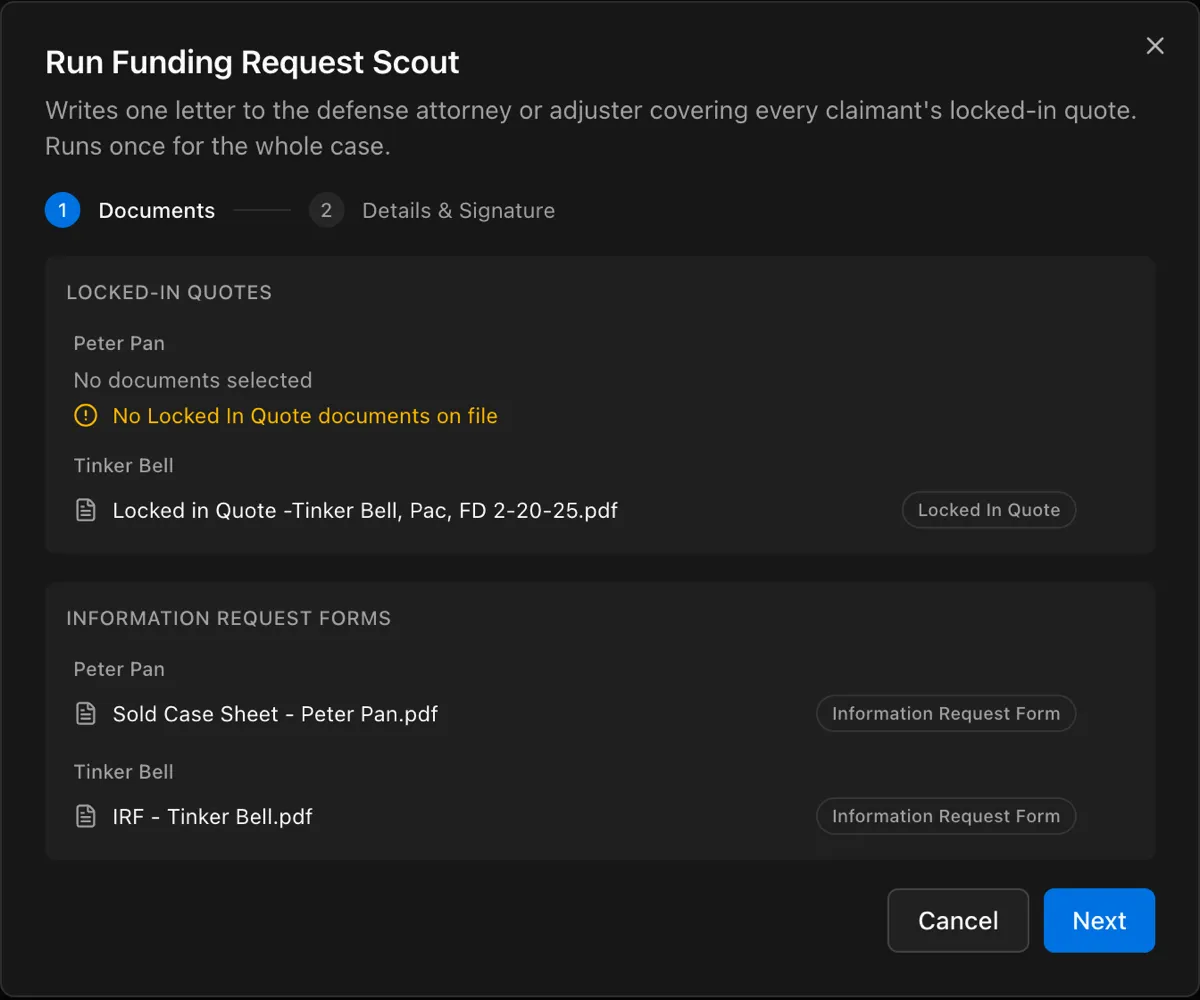
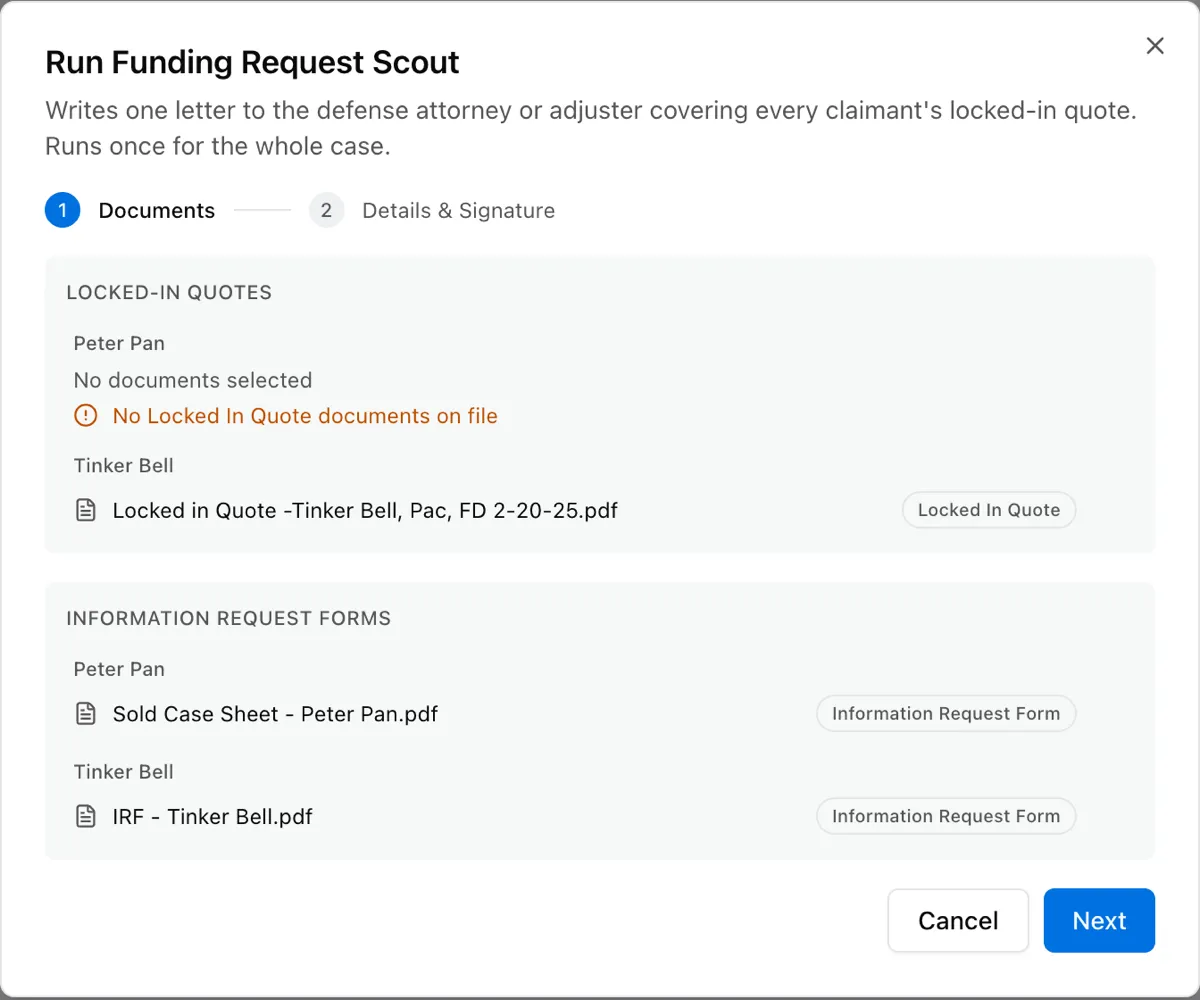
- On Documents, check the locked-in quotes and information request forms that will be used, then select Next.
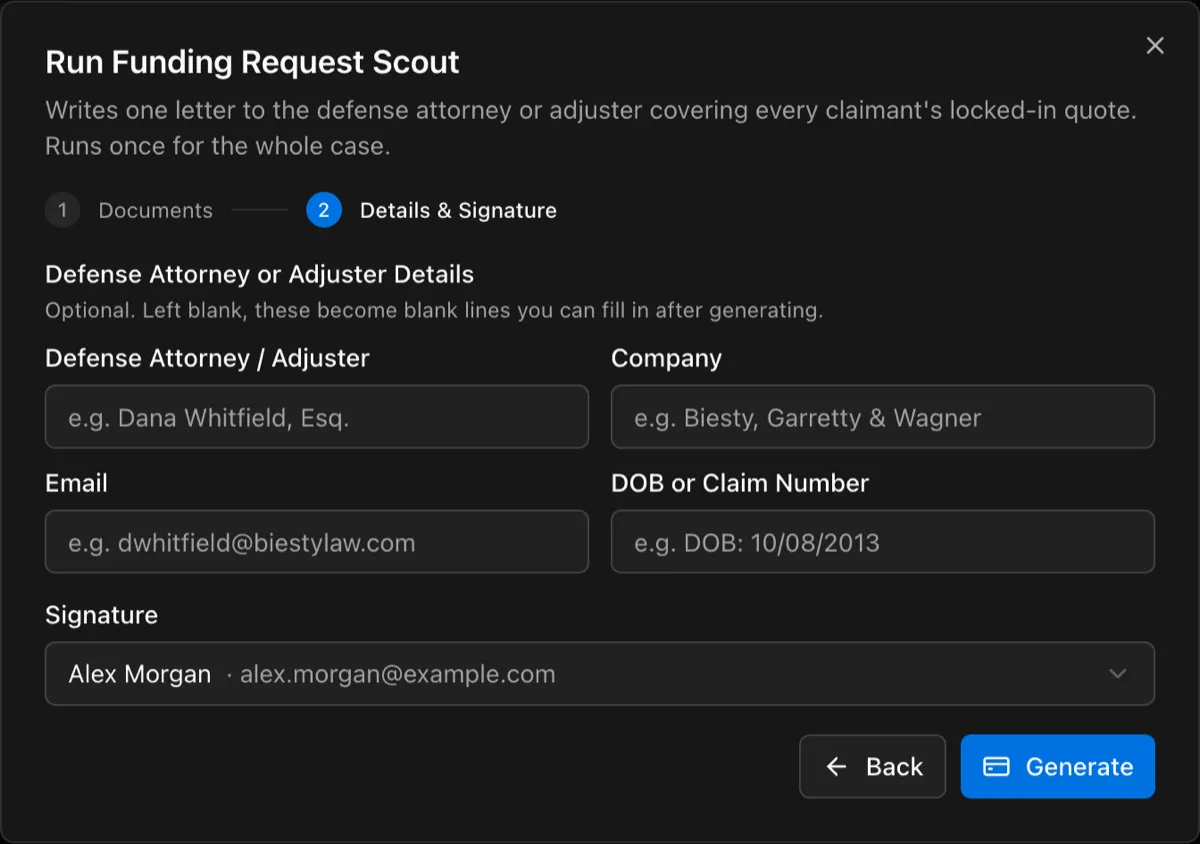
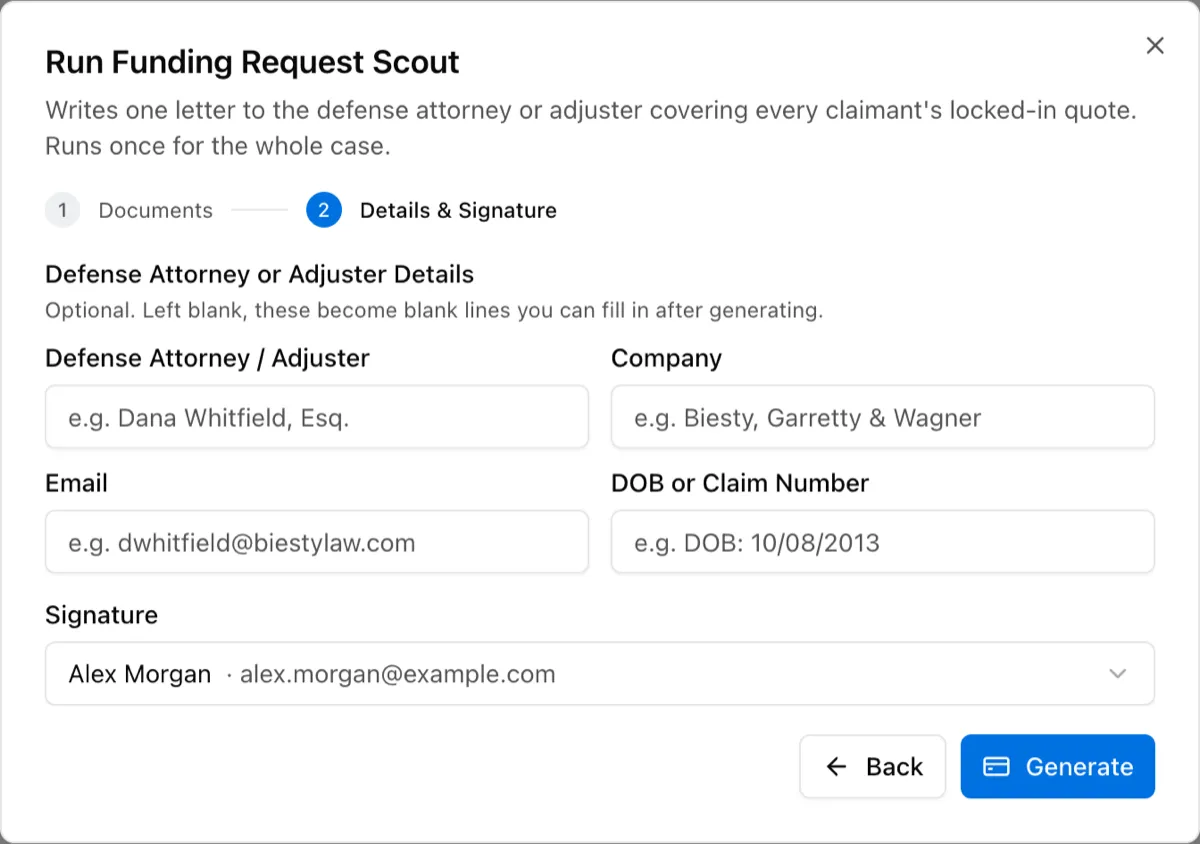
- On Details & Signature, enter the defense attorney or adjuster details. These are optional. Fields you leave blank appear as blank lines that you can fill in later.
- Select the signature for the letter.
- Select Generate.
Create funding requests for several cases
Section titled “Create funding requests for several cases”- In the sidebar, select Scouts, then select Funding Request Generator.
- On Select Cases, select up to 4 cases, then select Next.
- On Details, select the signature for the letters.
- Optional: For each case, enter the defense attorney or adjuster details.
- Select Next.
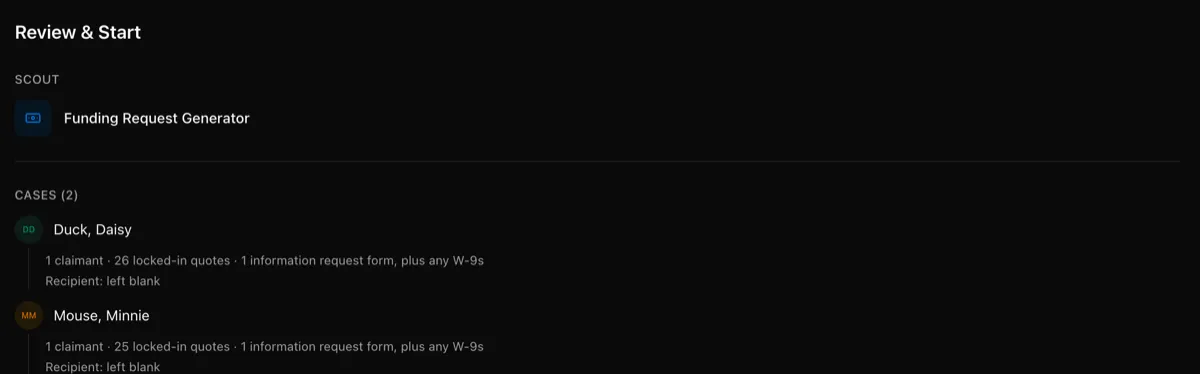
- On Review & Start, check each case’s claimants, locked-in quotes, and recipient, then select Start Scout.
KonnectSP writes one letter for each case. A case without a locked-in quote is skipped. To mark a quote as locked in, see Quotes and proposals.
Review the letter
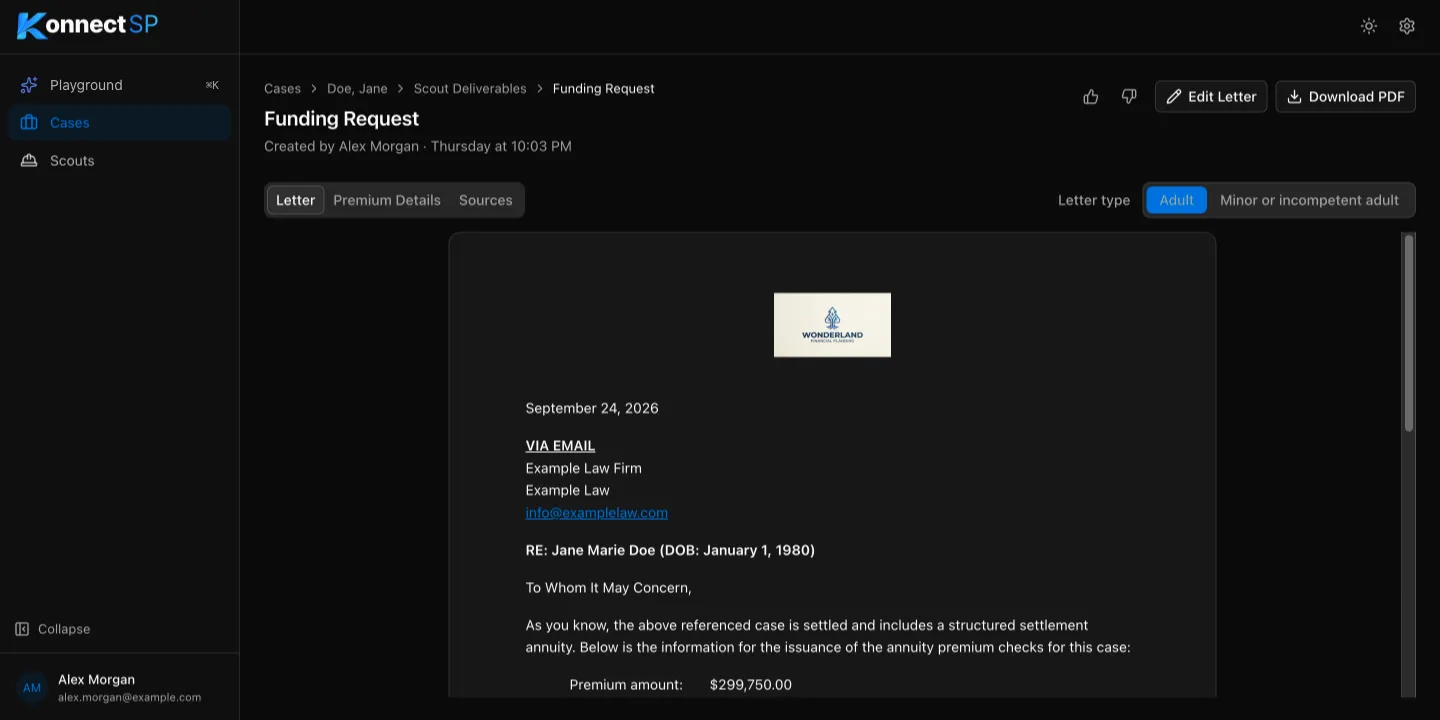
Section titled “Review the letter”Open the funding request from the Scout Deliverables tab. The page has three tabs:
- Letter: the letter as it will be sent.
- Premium Details: the premium amount, payee, and due date used in the letter.
- Sources: the documents the details came from.
Use Letter type to switch between Adult and Minor or incompetent adult. Each type uses its own template.
Edit or download the letter
Section titled “Edit or download the letter”- To change the text, select Edit Letter, make your changes, then save.
- To save a copy, select Download PDF.