
Policy validation
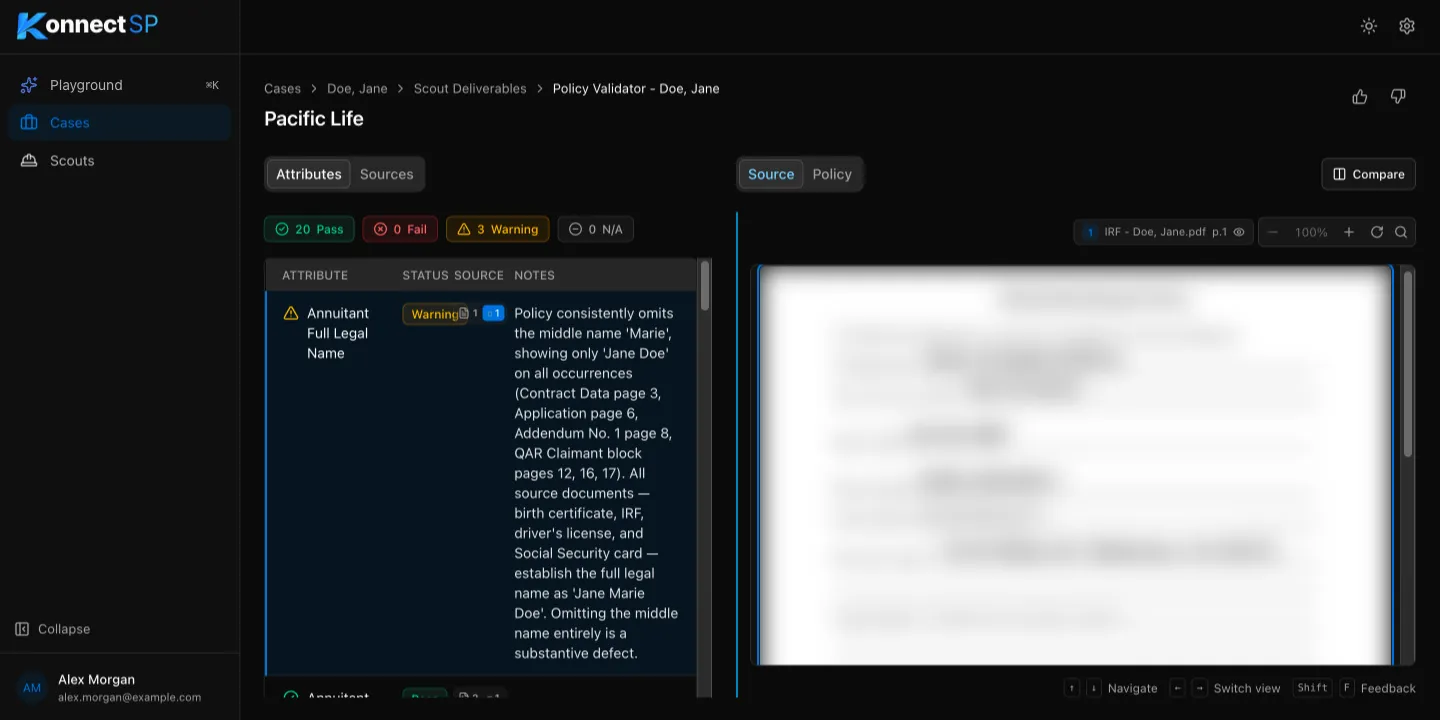
The Policy Validator compares an issued annuity policy with the quote and other case documents. It checks each item, such as the annuitant’s name, date of birth, payment amounts, and beneficiaries, and flags anything that does not match.
Read the results
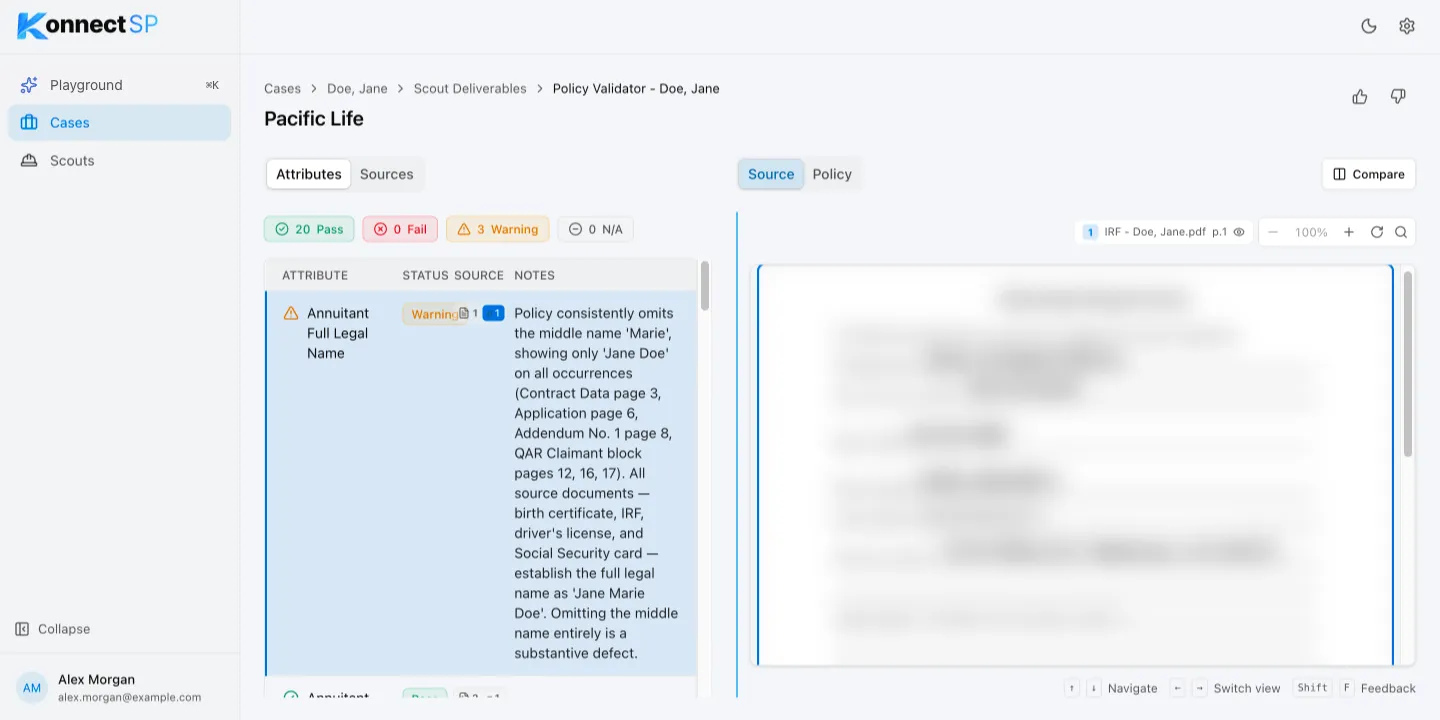
Section titled “Read the results”The Attributes tab lists each item that was checked, with a status and notes:
| Status | Meaning |
|---|---|
| Pass | The policy matches the source documents. |
| Warning | Something may be wrong. Read the notes. |
| Fail | The policy does not match the source documents. |
| N/A | The item does not apply, or it could not be found in the policy. |
Select a status at the top of the list to show only those items.
Compare the policy with the source
Section titled “Compare the policy with the source”- Select an item in the list.
- On the right, select Source to see the case document, or Policy to see the policy.
- To see both side by side, select Compare.
Use warnings and failures to request corrections from the carrier before you send the policy to the claimant.